Skip to content

NEW Download the 2026 Performing Arts Trends Report Get your copy →

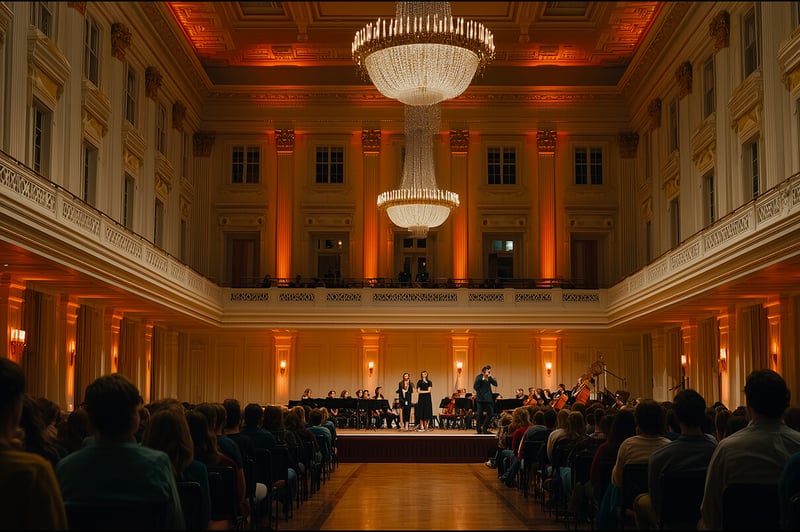
An audience watching a pianist perform in an ornate concert hall
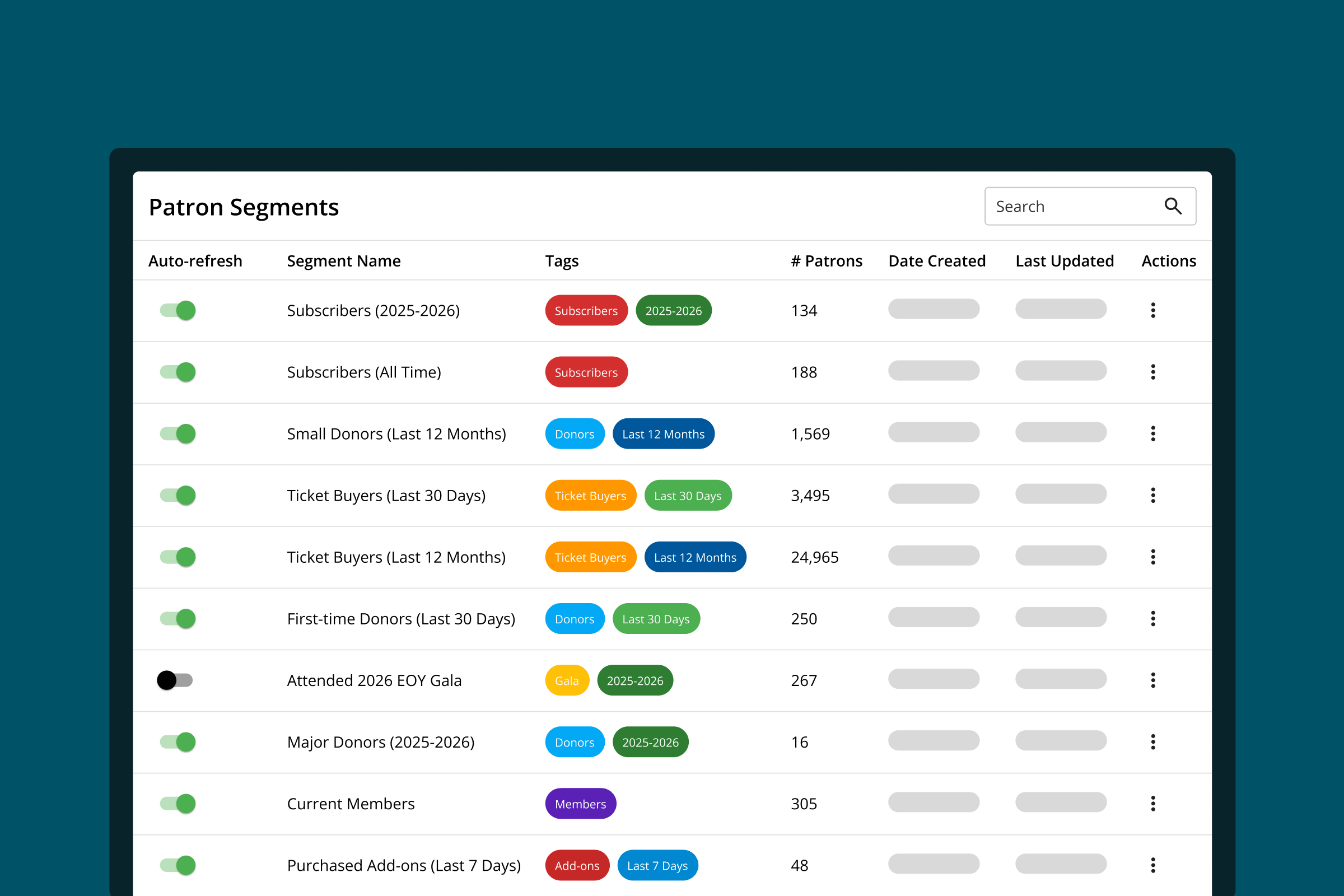
The audience segments dashboard in On The Stage, listing pre-loaded and custom segments with their patron counts

Audience Segments

Always reach the right audience with the right message with audience segments.

Automatically turn what you know about your patrons into segmented audience lists that are always up-to-date and increase overall engagement.

WHY SEGMENTS MATTER

Personalized outreach outperforms generic email blasts.

Reaching audiences has gotten harder, and sending emails to your entire mailing list can only do so much. Marketing campaigns that speak directly to what patrons care most about deepen their relationship to your organization, and make them more likely to purchase, attend, and donate.

  • Understand Your Audience

    Know which campaigns, promotions, and programs resonate with your audience to get a clear view of their preferences and behaviors.

  • Build Lasting Connections

    Turn those insights into segmented campaigns that speak to what they care most about, and keep them coming back year after year.

  • Improve Results

    Use audience insights to optimize your sales and marketing strategies to boost sales and attendance, and improve ROAS.
WHAT SEGMENTS UNLOCK

Use Your Patron Database To Improve Engagement

You know lots of valuable information about your patrons, such as how often they attend, how much they like to spend and donate, and which programs they do and don't like. On The Stage automatically organizes those insights into dozens of pre-loaded lists of audiences based on shared commonalities, which you can turn into high-impact campaigns.

First-time Patrons

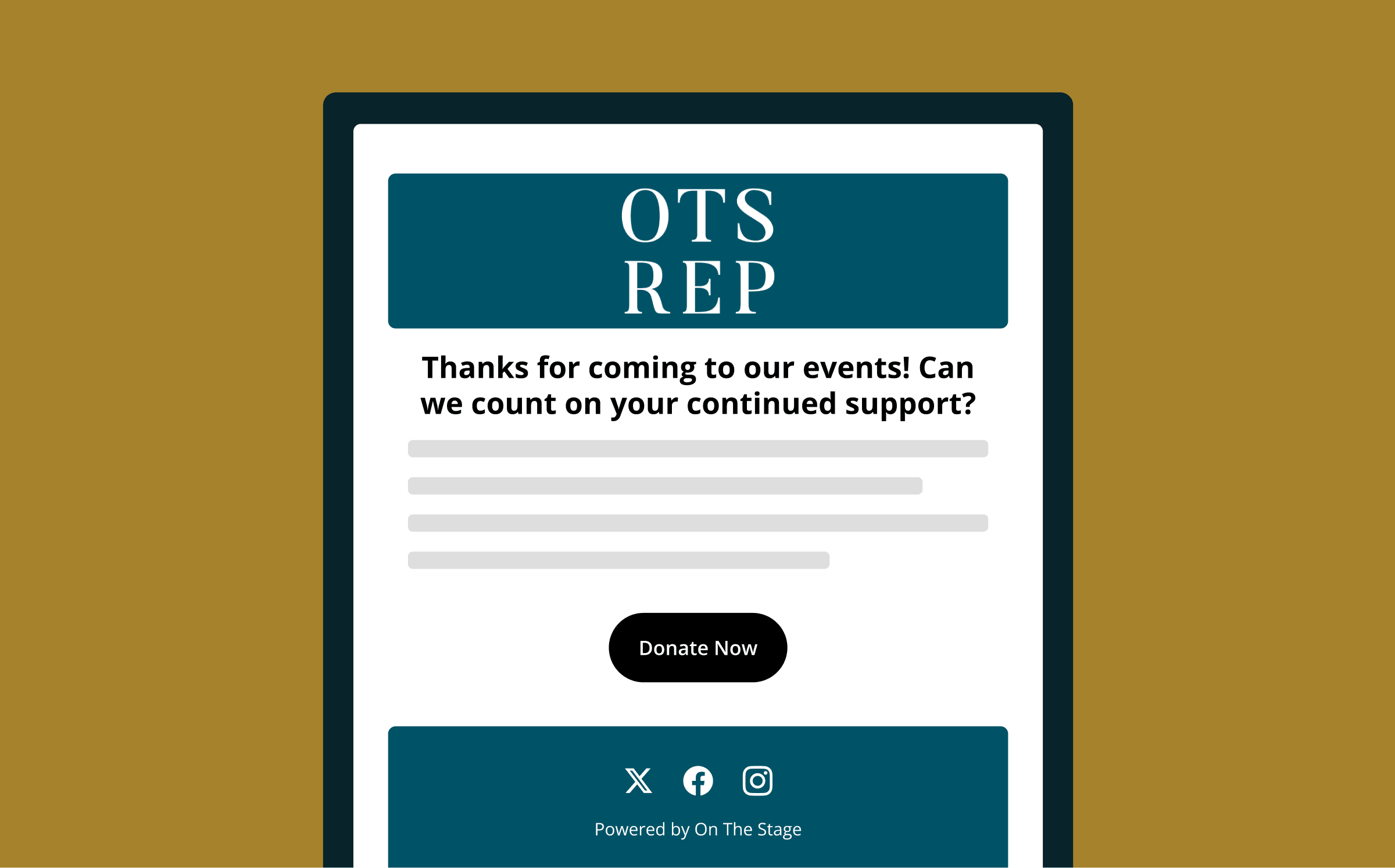
See which patrons came to their first event within the last week, and create a campaign to thank them for coming.

Lapsed Patrons

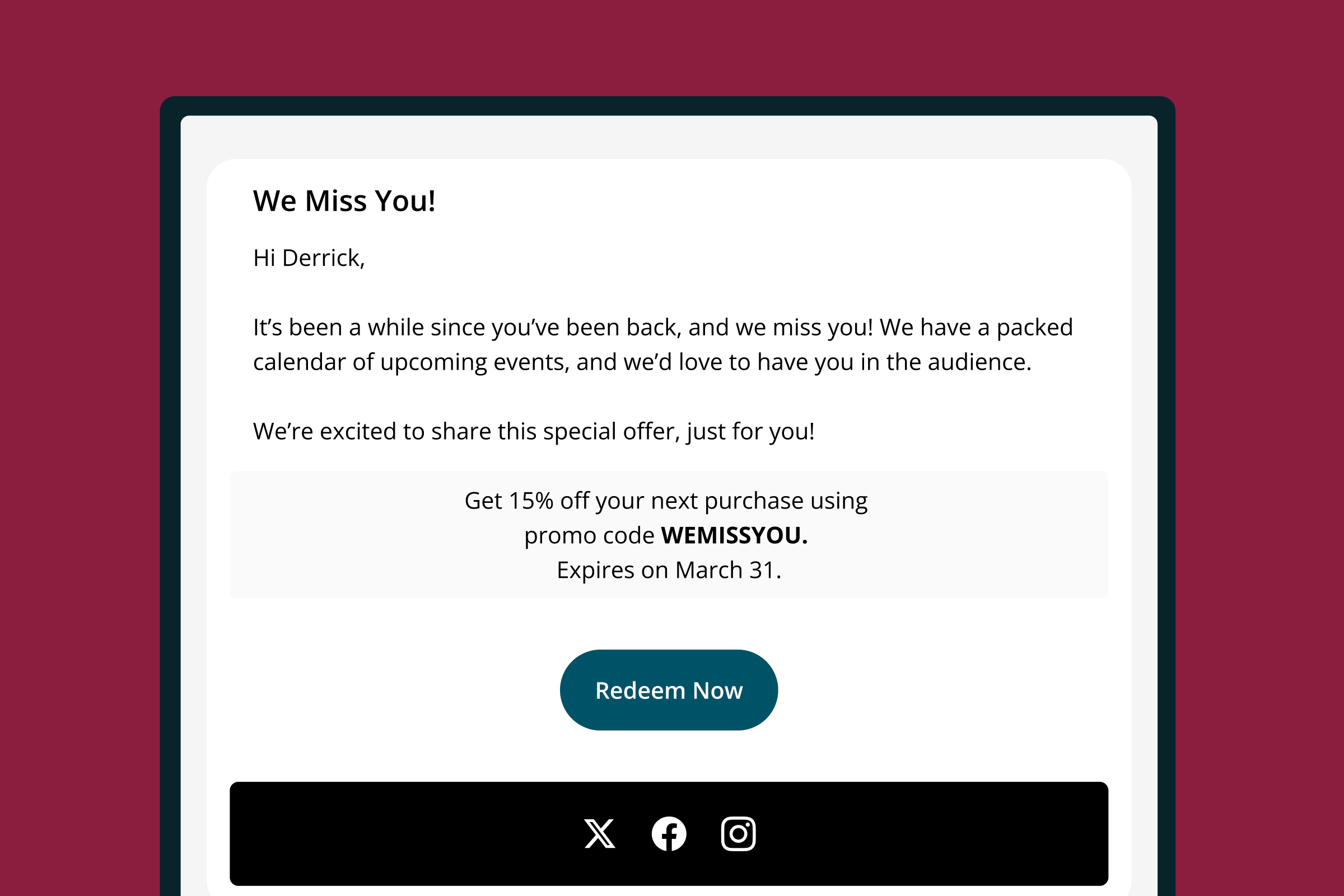
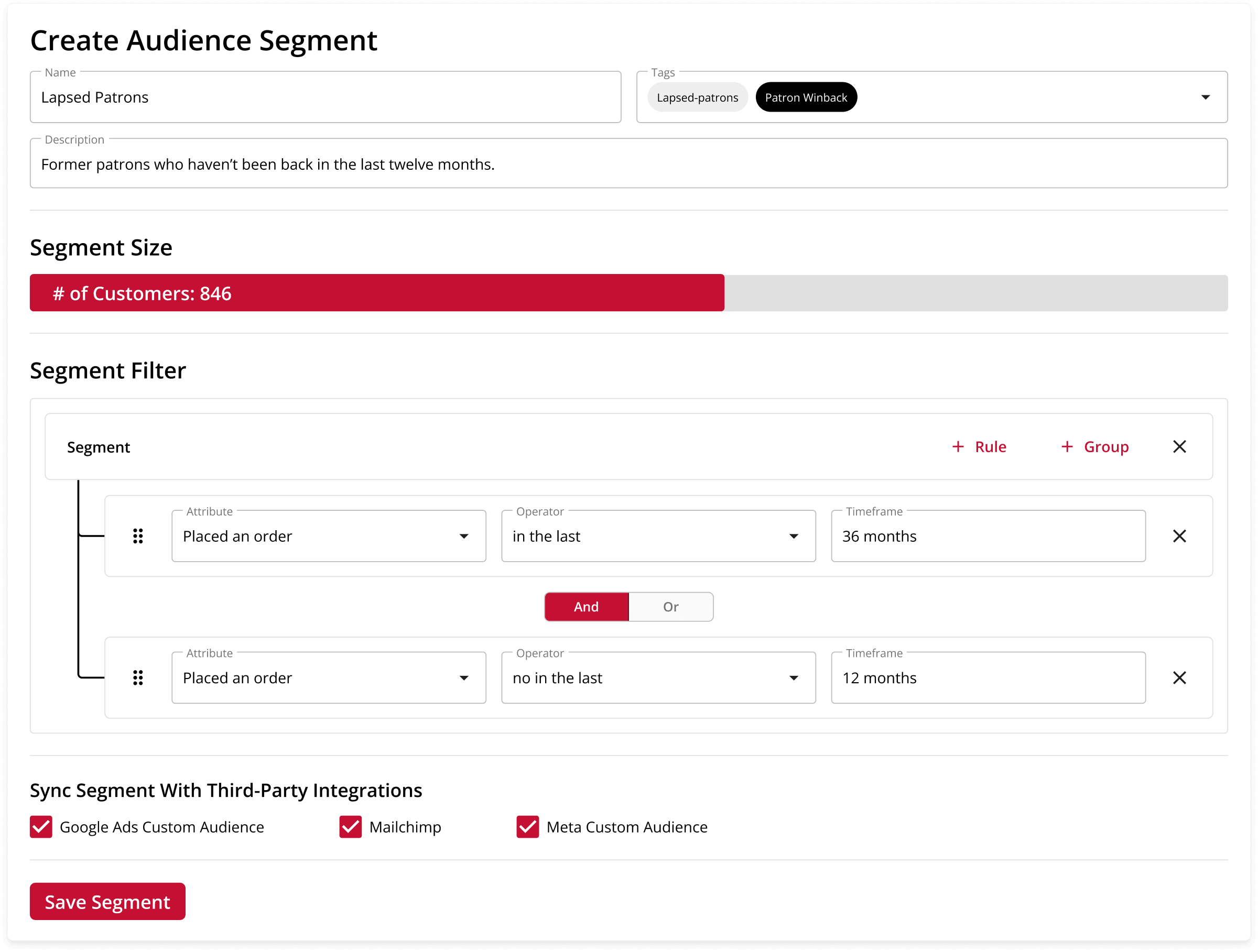
Identify patrons who attended last year but haven't been back at all this year, and offer a promotion to incentivize them to return.

First-time Donors

Never miss an acknowledgment by automatically sending thank-you messages to patrons who donated for the first time within the last 30 days.

Your Regulars

Create a custom segment that defines who counts as a regular, and offer them exclusive offers, perks, or programs.

Attendees of Specific Event Types

Build a list of patrons who have attended a specific type of event, such as rock shows, musicals, or family programs, and announce similar upcoming events directly to them.

Repeat Patrons

Know which patrons have come to multiple events in a given time period, and see if they're interested in becoming a member or subscriber.

HOW TO USE SEGMENTS

Put Your Segments to Work Everywhere

Leverage audience segments to improve marketing and engagement, using OTS or third-party marketing platforms.

Email Marketing

Compose, schedule, and send targeted email campaigns within OTS.

Learn more →

Marketing Platforms

Seamlessly sync segments with Mailchimp, Constant Contact, and other major platforms.

Learn more →

Other Platforms

Export segments for use with other tools and platforms.

CREATING SEGMENTS

Build Custom Segments That Work For You

In addition to offering dozens of pre-loaded segments, OTS also lets you build your own to ensure you're always reaching the right audience.

  • Behavior History

    Build segments using your audience's purchase, attendance, and donation histories.

  • Shared Attributes

    Group patrons together based on shared attributes such as geography, tags, households, and the types of events they attend.

  • Question Responses

    Create segments based on responses to questions asked during checkout, such as if they'd like to volunteer.

  • Advanced Controls

    Ensure you only reach the exact people you want to using advanced segment creation tools, such as layered conditions and multiple rule groups.
Unlimited Creation

Create as many custom segments as you want, and make changes at any time.

Segment Previews

Instantly know the exact number of patrons that are included in a segment while you're building it.

Centralized Management

Custom and pre-loaded segments all live in the same dashboard.

MAINTAINING SEGMENTS

Segments that are always up-to-date, never stale.

Never again wonder if you're using an outdated mailing list, or deal with CSV files or paper lists. On The Stage dynamically updates segments as patron behaviors change over time, ensuring that they're never out of date.

Always Current

Segments automatically refresh daily, so they're always up to date.

Ready to Send

Create custom campaigns, recurring campaigns, and Plays that use segments, and know they're always using today's list.

Interoperable

Use OTS segments with third-party marketing platforms to go further with your marketing.

Static List Support

Disable auto-refresh, for the times you need a list to stay the same.

MARKETING AUTOMATION

How OTS Automates Everything

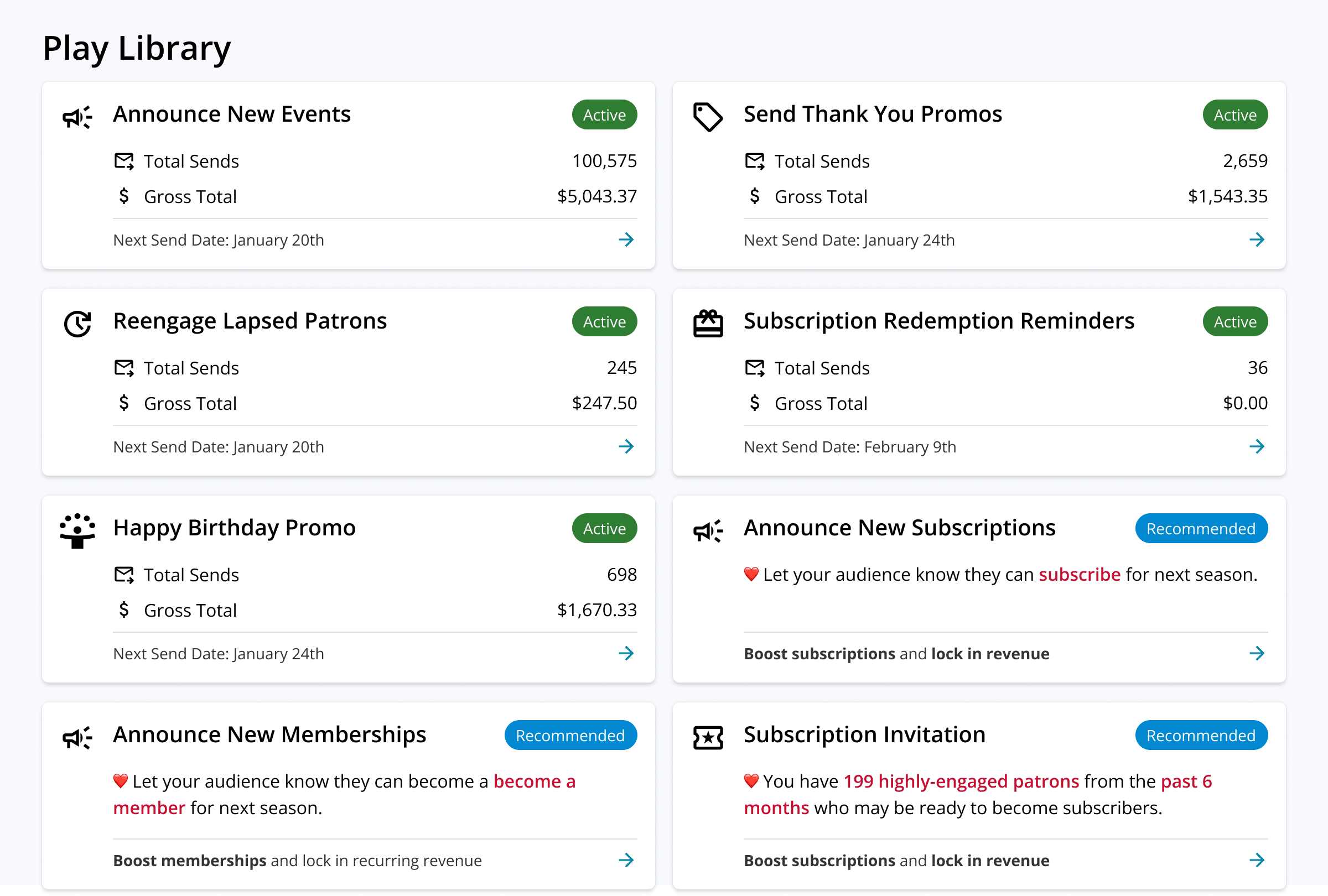
OTS automatically puts audience segments to use with Plays, always-on marketing flows that operate like a silent partner to keep your audience engaged over time. Plays are built around key moments in a patron's relationship to your organization, with the goal of increasing retention, growing audience engagement, and fostering ongoing loyalty.

Easy Setup

Build a Play and set it live in less than two minutes, without tech speak or marketing jargon.

Always On

Set it up once and it runs on the cadence you choose until you turn it off.

Always Current

As a patron's relationship with your organization changes, Plays automatically update with them.

Measurable

See sends, conversions, and revenue per Play, along with the patrons who came back because of it.

Learn more

RELATED SOLUTIONS

Put segments to work across OTS.

Audience segments are the lists behind every solution that reaches your patrons.
Promote Events

Send personalized invitations to groups of patrons to increase the likelihood they attend.

Explore →
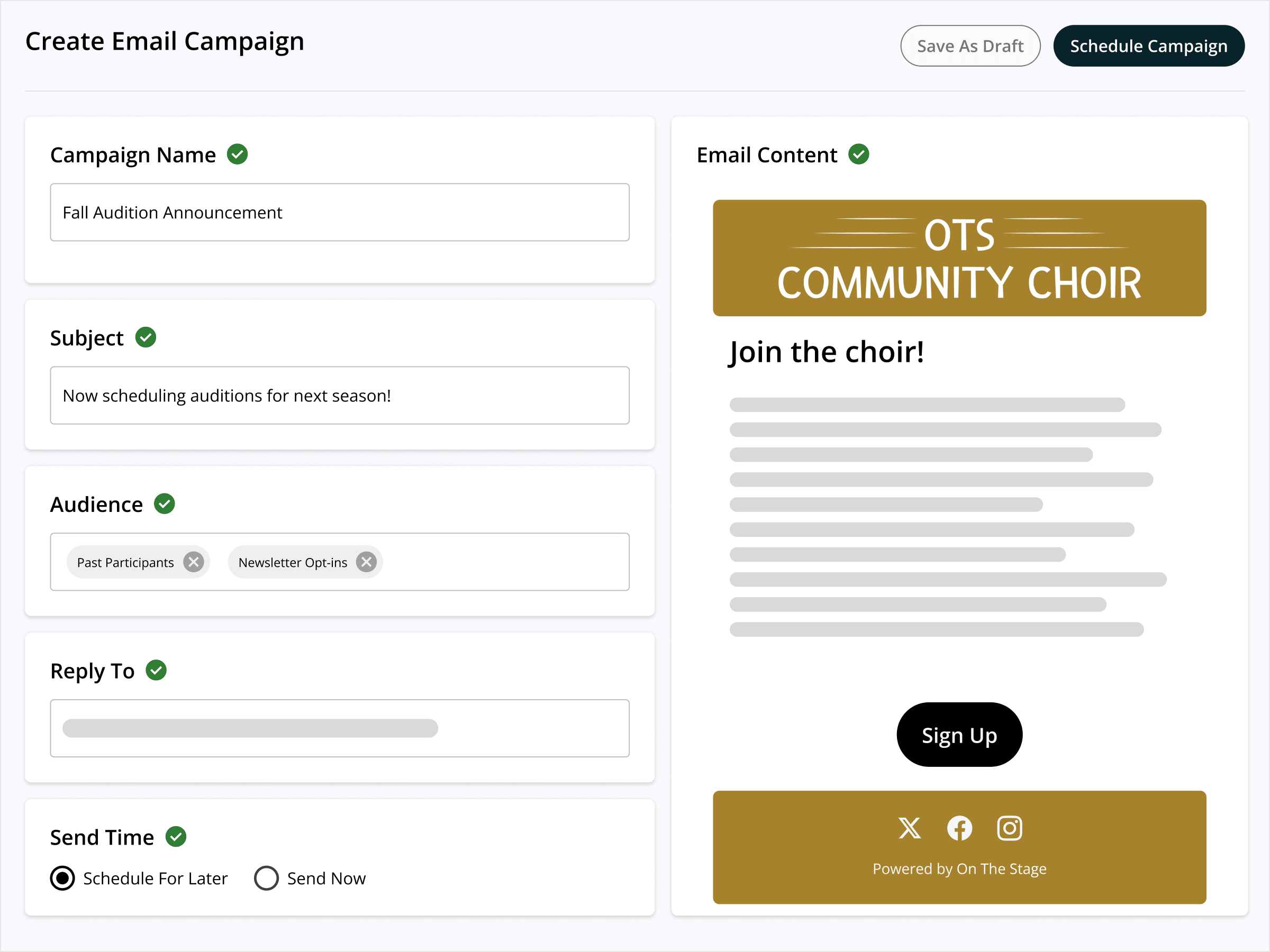
A community choir's audition announcement email campaign in On The Stage

Retain Patrons

Create campaigns to keep patrons coming back, based on their current relationship to your organization.

Explore →
The patron email sent by the Re-engage Lapsed Patrons Play

Grow Your Audience

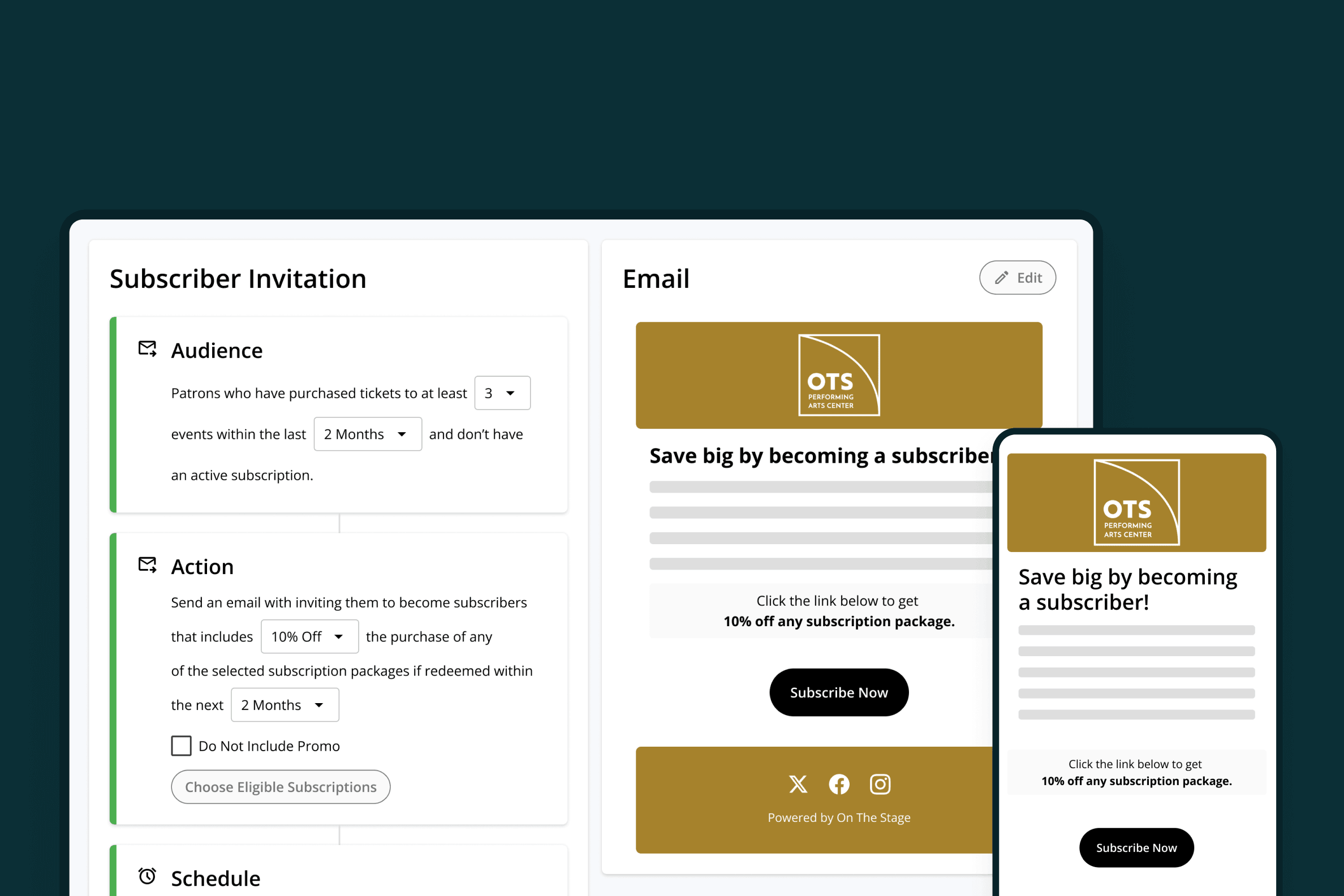
Turn first-time patrons into regulars, subscribers, and members.

Explore →
A performing arts center's Subscriber Invitation Play, on desktop and mobile

Raise Money

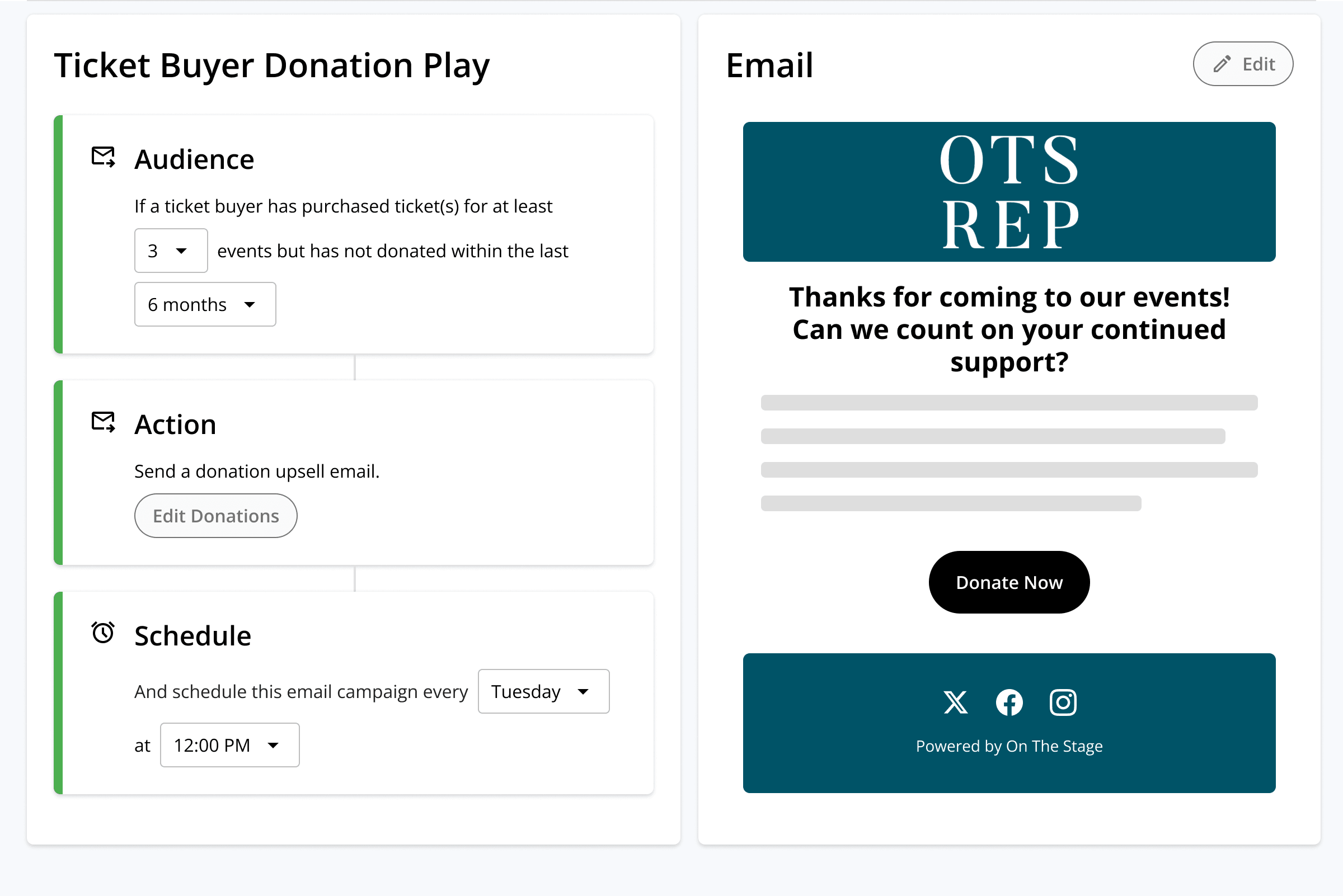
Build giving campaigns that reach the right donors at the right time.

Explore →
The Ticket Buyer Donation Play for a repertory theater in On The Stage

FAQ

Common questions about audience segments.

What is audience segmentation for a performing arts organization?

It's grouping your patrons by what they have in common - what they've bought, attended, or given - so each group hears something that actually applies to them. On The Stage builds those groups out of your own ticketing and donation history and keeps them current for you.

Do I have to build the segments myself?

Only if you want something specific. Dozens of segments come pre-loaded and maintained for you, covering first-time patrons, lapsed patrons, first-time donors, repeat attendees, and more. Custom segments are there when you need one of your own.

How do I find the patrons who stopped coming?

A lapsed-patron segment is ready and waiting - everyone who attended last year but hasn't been back this one. Open it, see how many there are, and send them a reason to return.

What can I use to build an audience segment?

Purchase history, attendance, donation history, geography, tags, households, the types of events someone attends, and the answers to questions you ask at checkout. Layer conditions and rule groups together to reach exactly the group you mean.

How do I keep my mailing list from going out of date?

Segments refresh daily on their own as patrons buy, attend, and give, so today's list reflects what happened yesterday. When you need a list to hold still, turn auto-refresh off.

Can I market to patrons based on the kind of events they attend?

Yes. Build a segment of everyone who has attended a particular type of event - rock shows, musicals, family programming - and announce similar upcoming events straight to them.

How do I know how many patrons are in a segment before I send?

Segment previews show the exact count while you're still building, so you always know the size of the audience you're about to reach.

Can I use my OTS segments with Mailchimp or Constant Contact?

Yes. Segments sync to major email platforms, so the workflow you already have keeps running on audiences built from your OTS data. Any segment can also be exported for use somewhere else.