
Promote Events
Automatically Announce Events & Reach Your Audience, Everywhere They Are
On The Stage is a multi-channel event promotion engine that automatically starts working the moment you go on sale. Announce new events, promote upcoming shows, and reach new ticket buyers across email, social, web, and print.
WHAT SUCCESS LOOKS LIKE
Consistent, Effective Event Promotion that Goes Beyond Publishing
Announcing a show shouldn't be a one-time scramble. Between the on-sale date and opening night, your audience needs to hear about it more than once, in more than one place — without it becoming a second job. OTS builds the promotion into the platform itself, so every ticket you have on sale gets a real shot at being found and bought.
-
Multi-channel Marketing
Manage emails, websites, social posts, and offline marketing all in one place, or seamlessly in tandem with your other systems.
-
Consistent Branding
Event promotions that look and sound consistent everywhere, and that use your branding - not ours.
-
Data-informed Campaigns
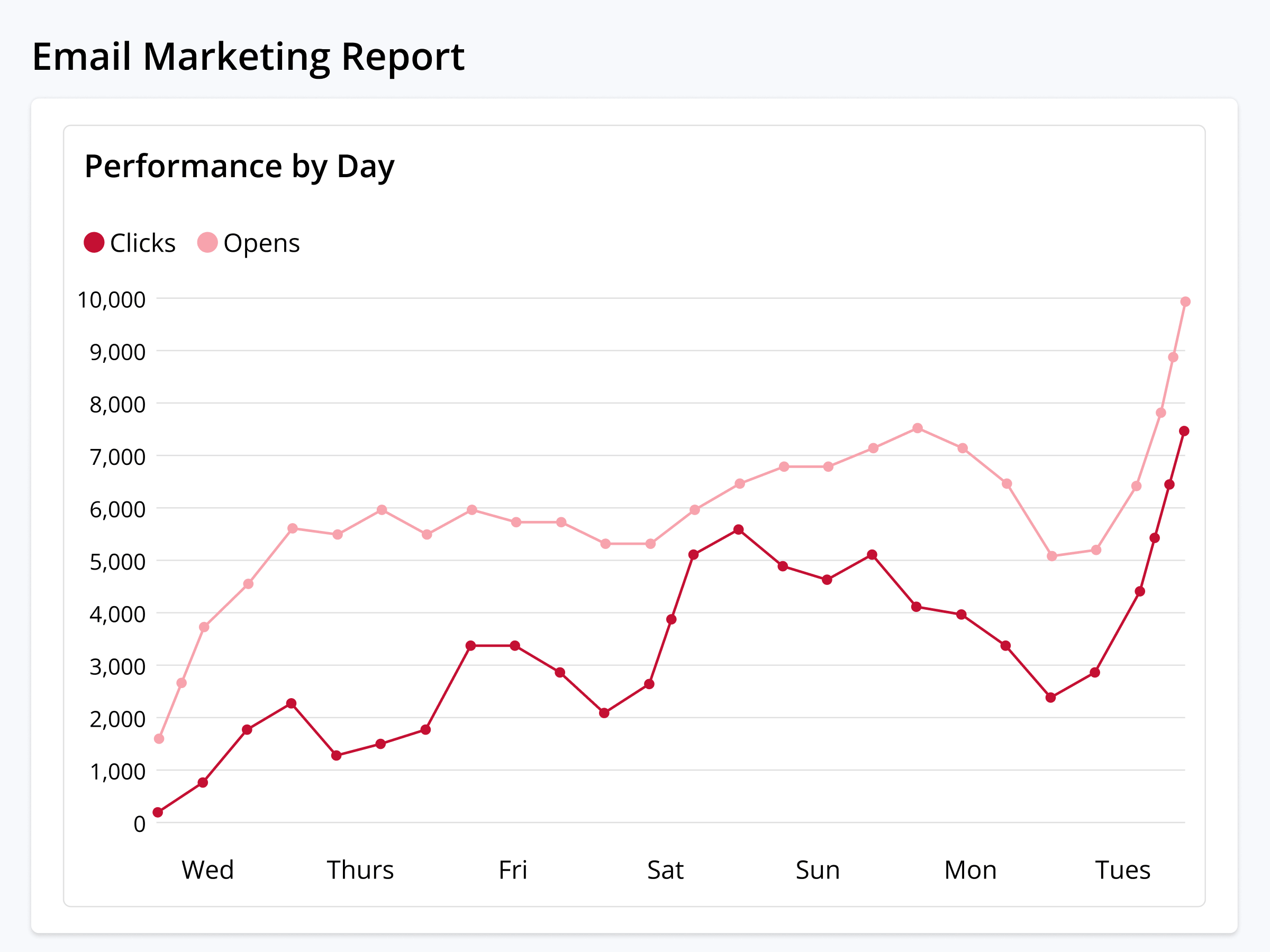
Replace generic email blasts and guesswork with more-effective campaigns that build upon what's actually working.
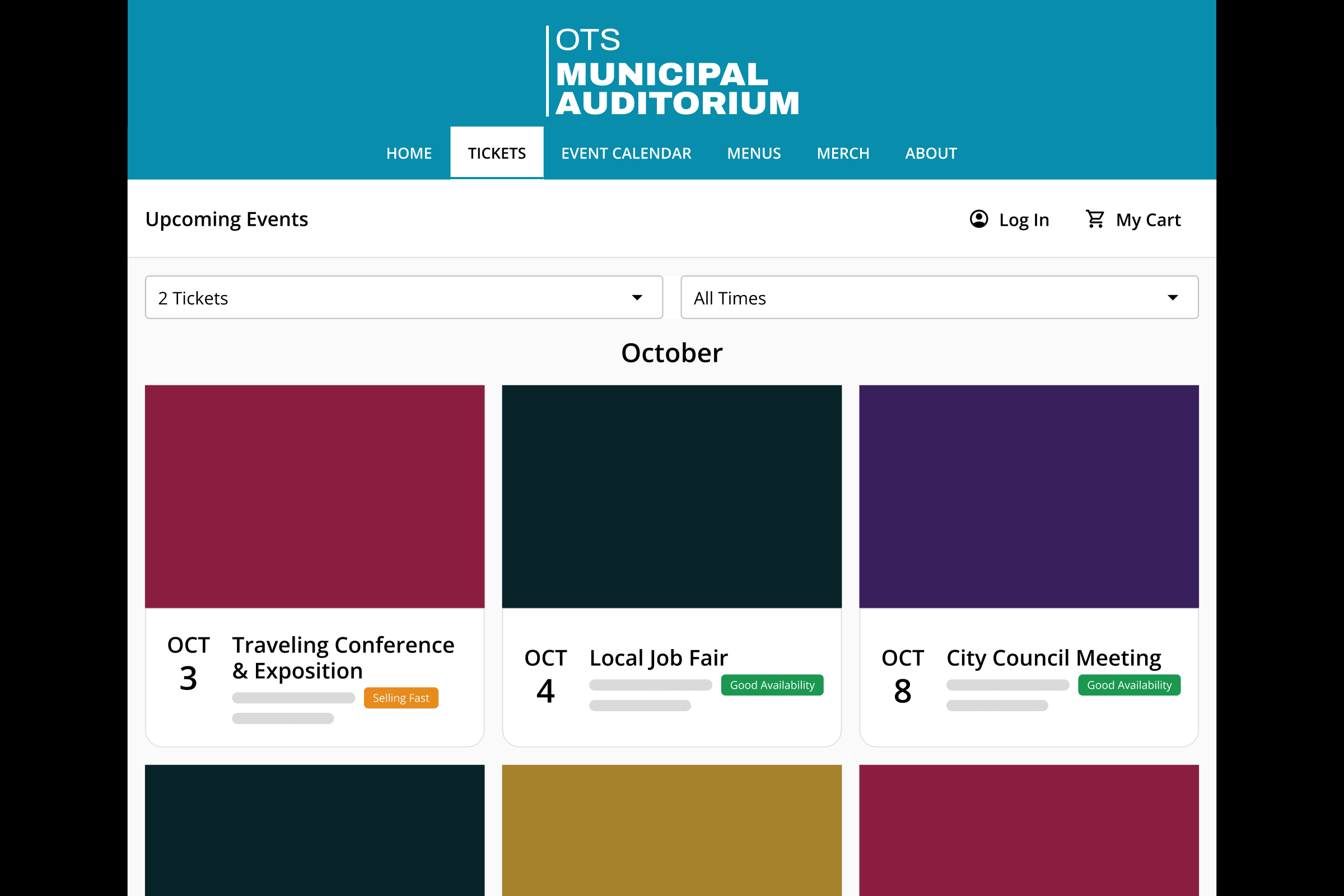
EVERY CHANNEL
Reach Your Audience Everywhere, Automatically
Your audience is everywhere, and OTS automatically starts spreading the word to reach them wherever they are from the moment you go on sale.
Automatically promote events with automatic emails, build custom segmented campaigns using OTS and other email platforms, and auto-send event reminders and thank-yous to ticket buyers.
Learn more →Websites
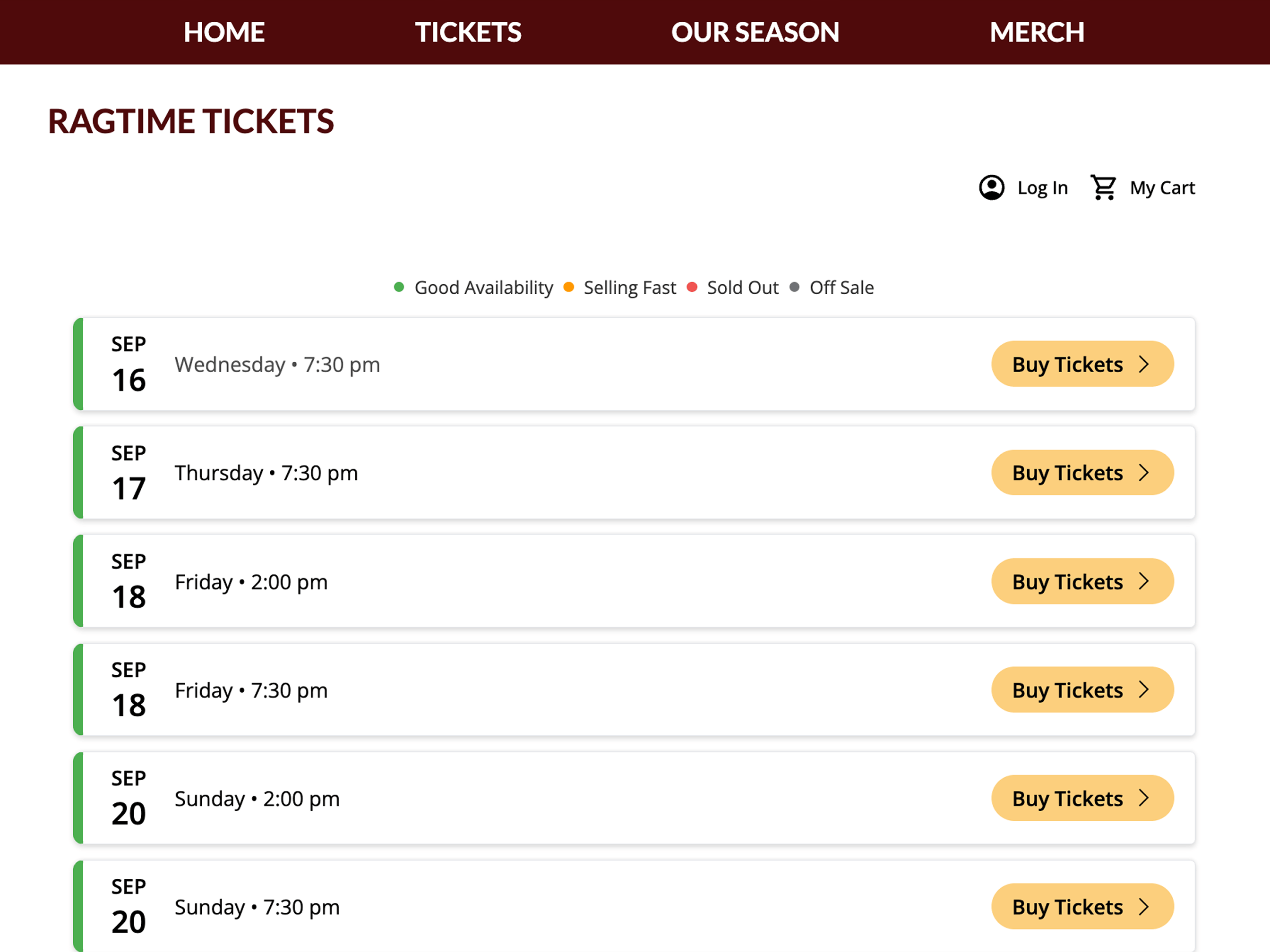
Quickly build beautiful webpages for every event you publish, sell tickets from your existing website using your branding, or create and entire website for your organization.
Learn more →Social Media
Automatically promote your events on Facebook, Instagram, TikTok, and X all at once with synchronized, scheduled social posts.
Learn more →Offline
Generate custom QR codes that drive ticket sales, create event posters, and build digital and print event programs for audiences.
Learn more →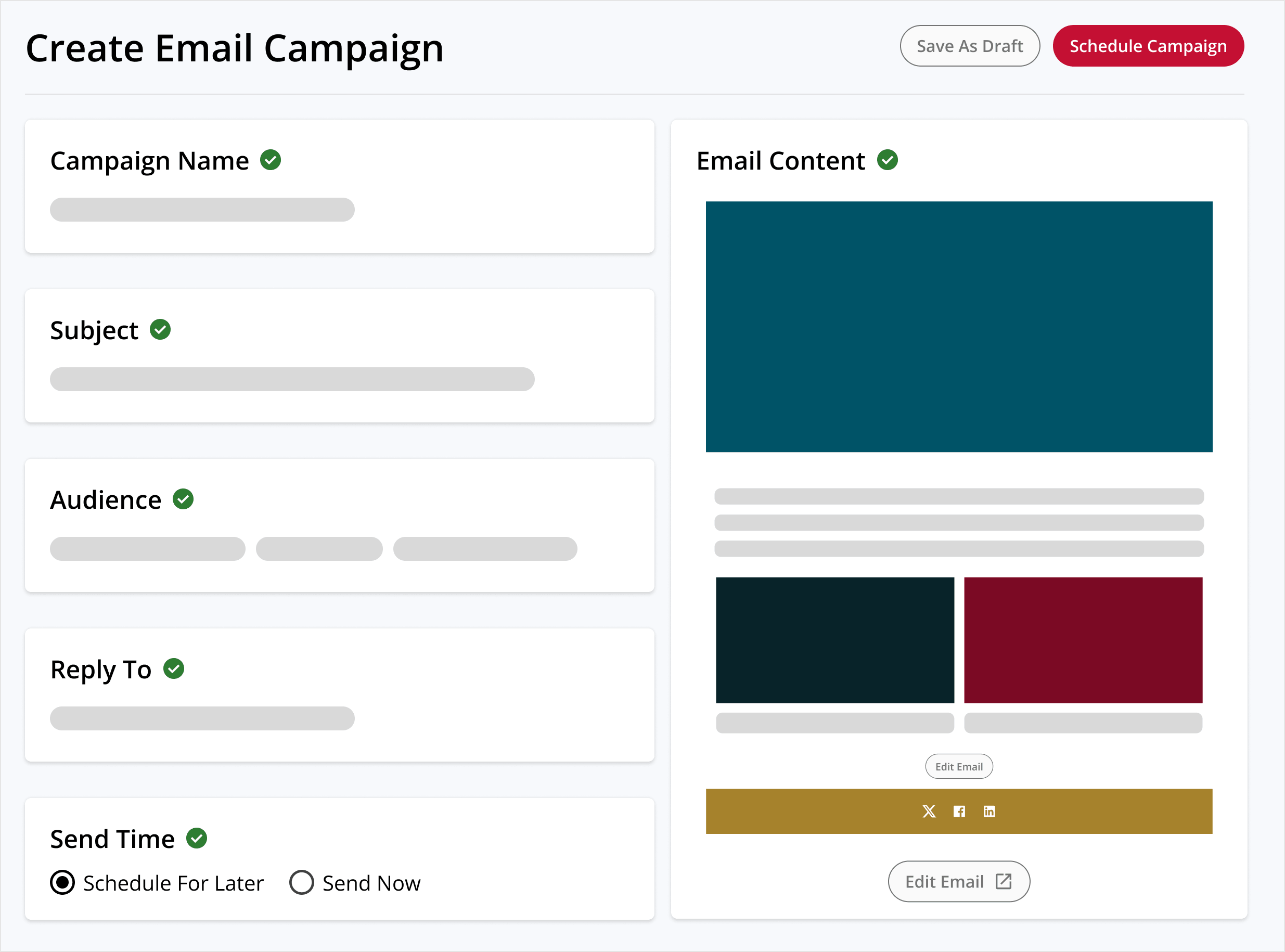
Plays
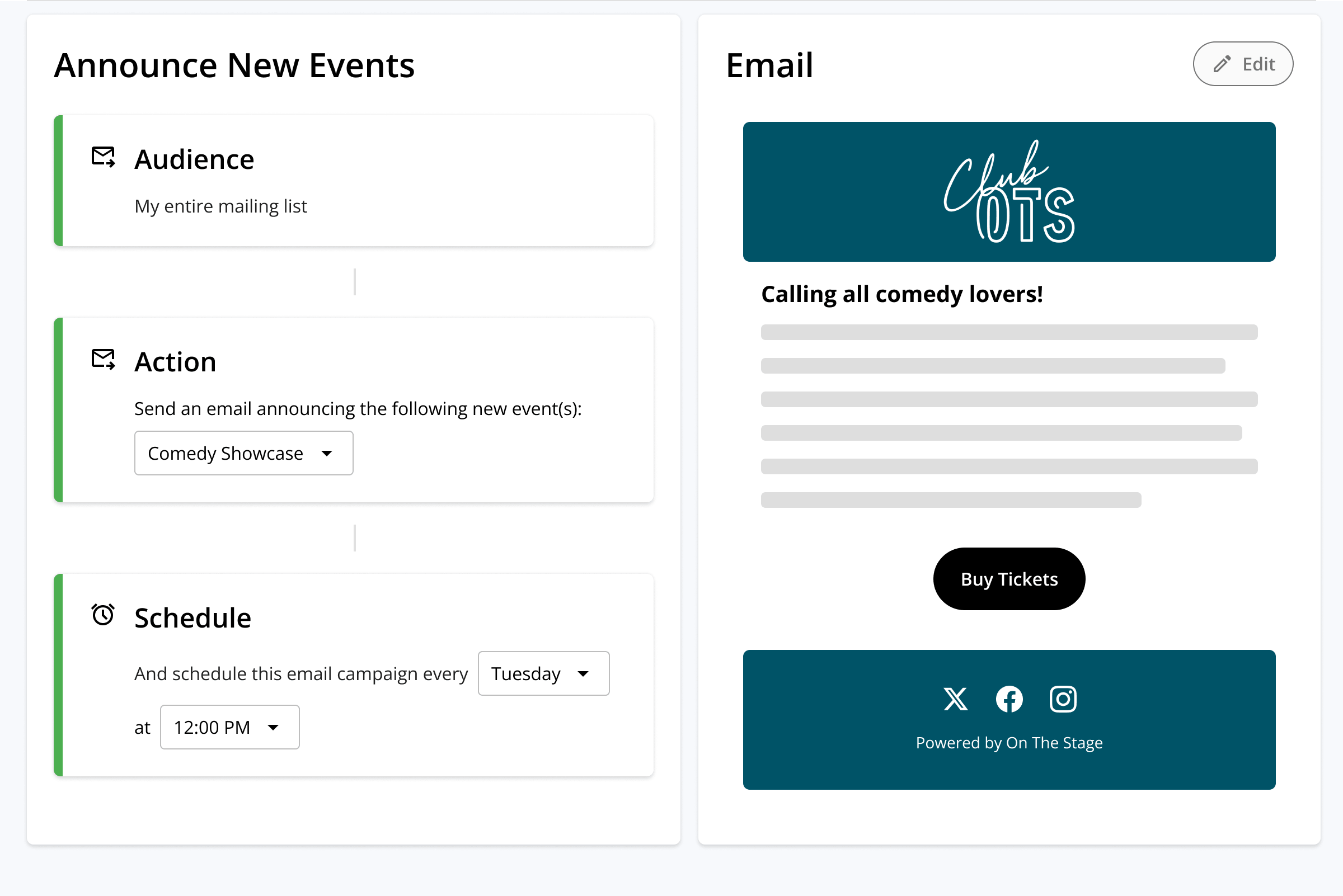
Always-on email campaigns that automatically announce new events.
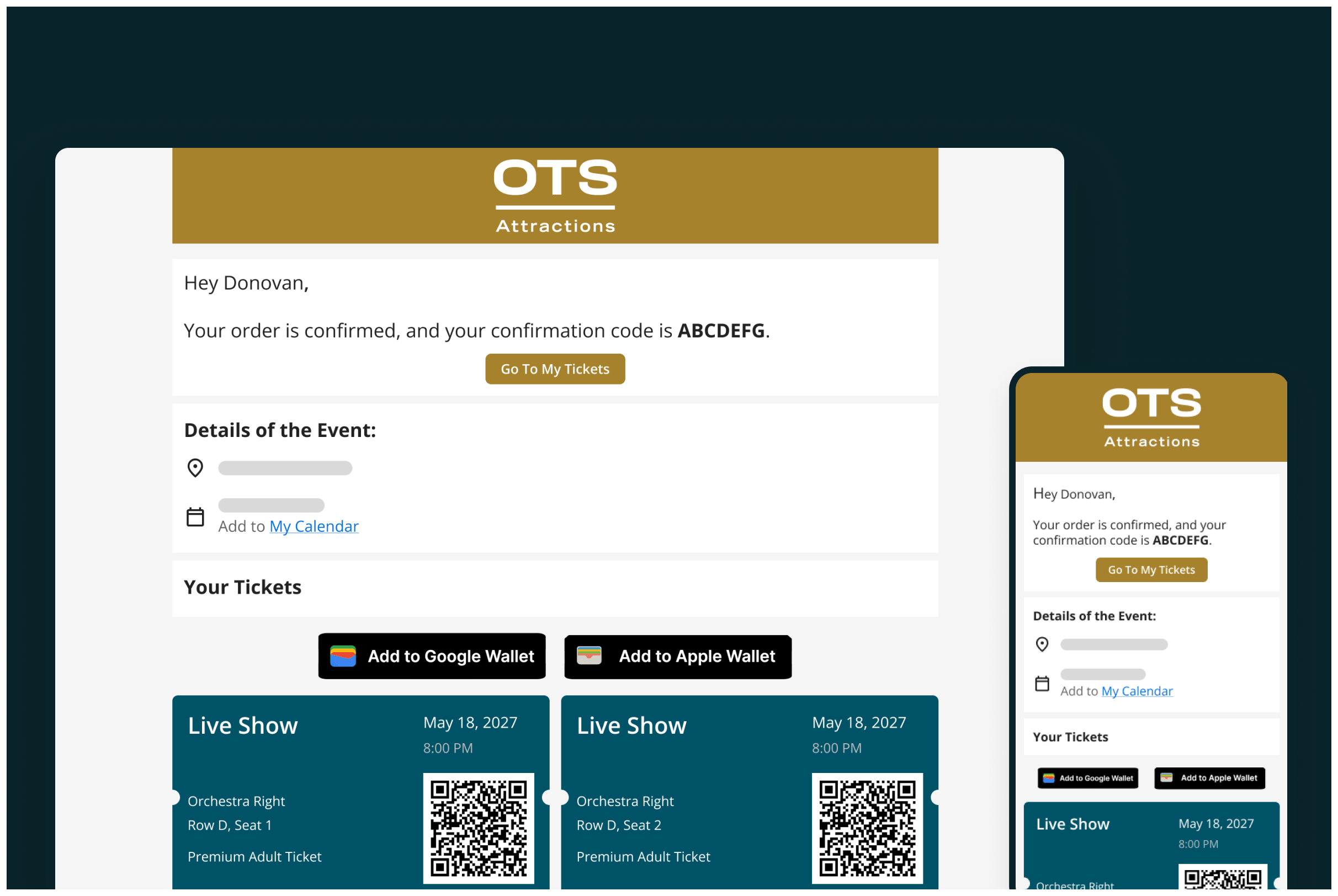
Automatic event emails
Send purchase confirmations, upcoming show reminders, and thank-you emails to ticket buyers.
Email marketing
Build, schedule, and send custom campaigns to any audience using OTS or your favorite email platform.
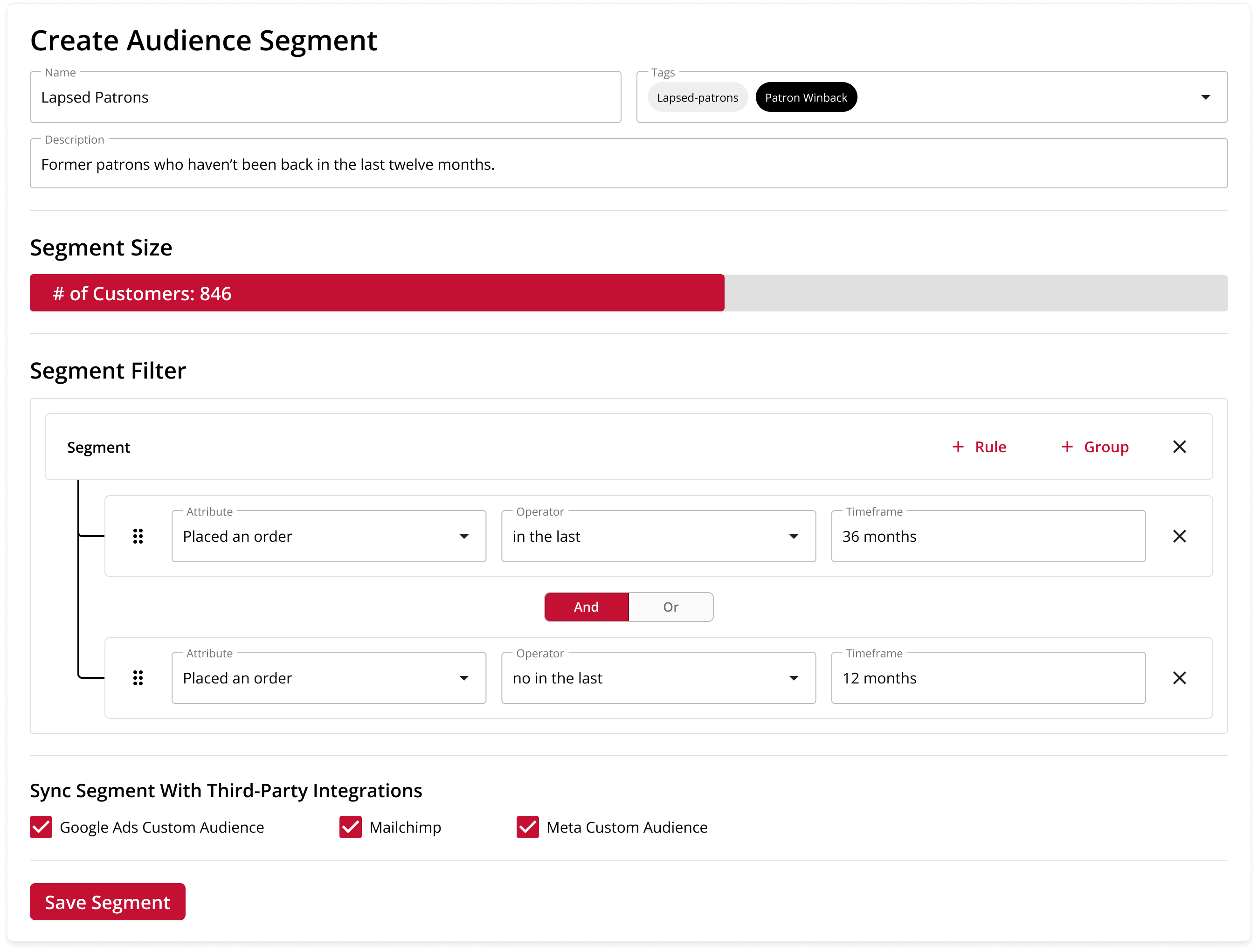
Audience Segments
Build audience lists using your patron data, and use them to create custom email campaigns.
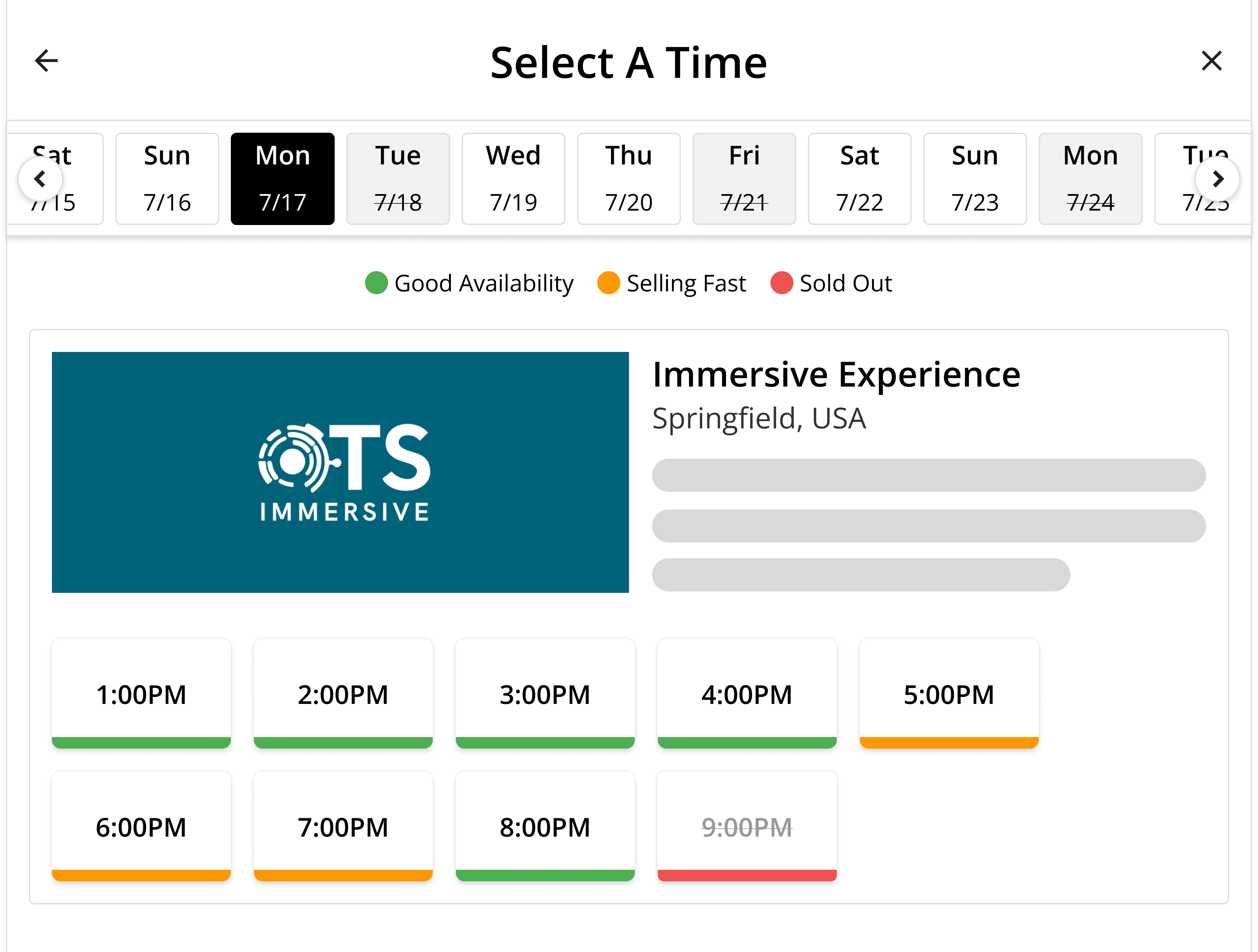
Embeddable ticketing widget
Sell tickets, collect donations, and grow your marketing list from any website using your branding.
Event pages
Create dedicated pages for every event you publish to get started selling in minutes.
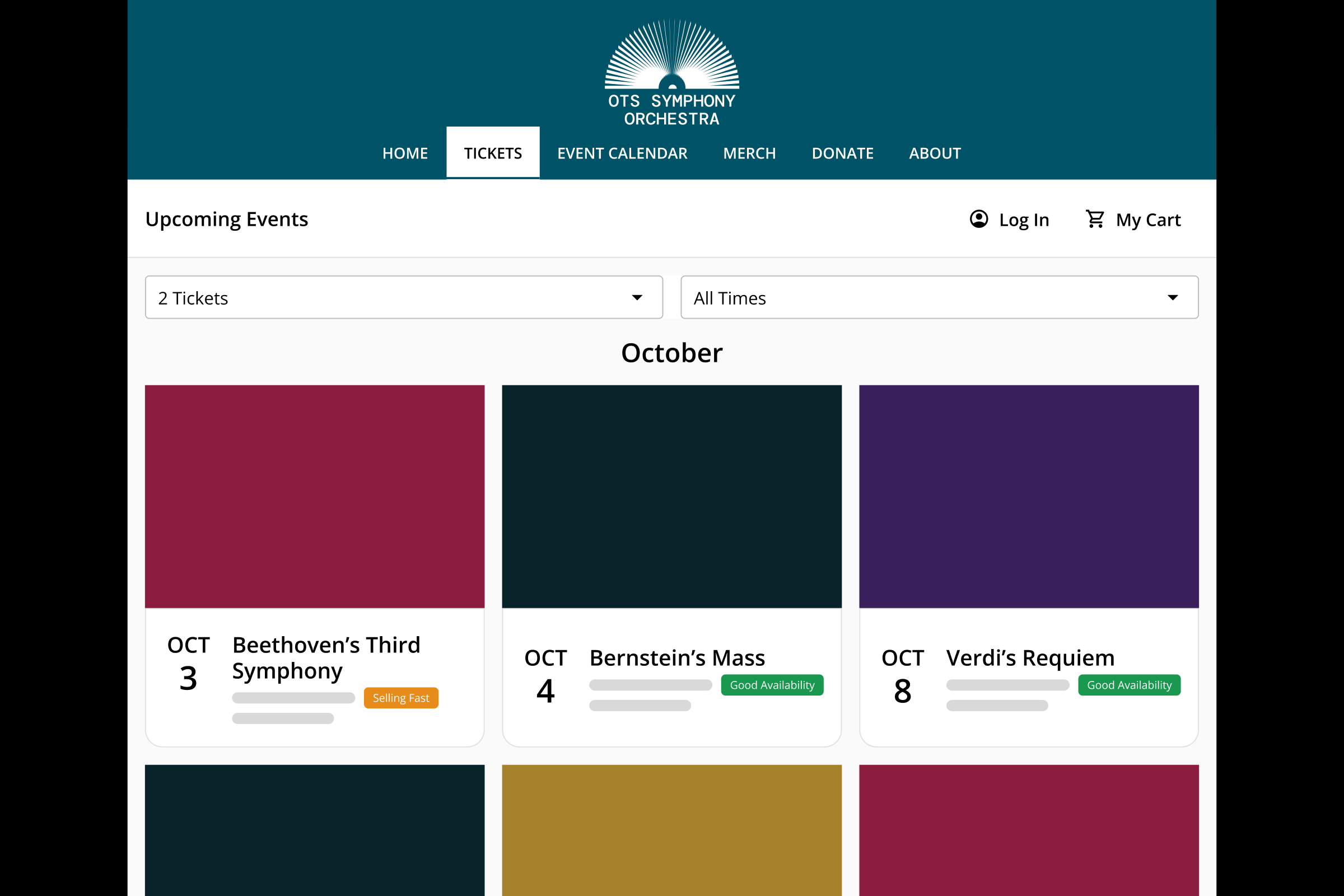
Complete websites
Use our built-in website editor and pre-loaded templates to seamlessly build and host a site for your organization.
MEASURING SUCCESS
Use Real Data, Not Guesswork, to Promote Events
Running ads and sending emails for an event shouldn't be a game of chance. Use your first-party OTS data and performance metrics from Google, Meta, and Reddit to optimize promotional campaigns, improve ROAS, and boost overall effectiveness.
-
Ad Pixel Integrations
Add Google, Meta, and Reddit tracking pixels to OTS-hosted sites and pages to get a better view into who is and isn't buying.
-
Conversion Tracking
Attribute ticket sales back to the channel that drove them, and build funnels to see where interested visitors drop off before checkout.
-
Campaign Reports
Easily access built-in reports to optimize your promotional campaigns.

CUSTOMER PROOF
Using On The Stage for our high school theatre has been a breeze. Its user-friendly interface and professional look make ticket selling and event promotion simple and effective. The platform's ability to drive revenue and support educational initiatives, as I have seen in my classroom, is outstanding.
— Kelle Martin, Drama, Madonna High School

On The Stage has been a fantastic partner for our theatre program. Their platform is incredibly intuitive, making online ticket sales a breeze. I love the way it integrates ticketing, fundraising, and event promotion into one seamless experience. The customer support is top-notch, always ready to help us succeed. Our audience has grown, and operations have never been smoother!
— Jo Coburn, Box Office Manager, Batavia Players / Main St 56

OTS has made our production publicity and ticketing so much easier. I love that multiple directors and students can collaborate on one platform to create a website that looks good and provides our audience with the information they need.
— Lindsey Jones, Drama Director, The King's Academy

Ready to fill more seats?
See how OTS turns every on-sale event into an always-on promotion campaign — emails, social, ads, search, and print, all working together.
Request Demo
SOCIAL MEDIA
Automatic Social Media Posts
Managing social media can feel like a full-time job, especially for small and volunteer-led marketing teams. OTS can automatically schedule and publish promotional posts across all major social media platforms, enabling you to reach audiences wherever they are with consistent messaging.
Simultaneous Posts
Publish to Facebook, Instagram, TikTok, and X all at once.
Post Creation
OTS automatically pulls your event art and generates promotional copy.
Scheduled Posts
Up to five posts per production go out on a schedule built by OTS that nobody has to manage or remember.
Customization
Review and edit posts before they publish, skip scheduled posts, and adjust the posting schedule.
Unified Calendar
Get a birds-eye view of all upcoming promotional emails and social posts on a unified outbound calendar.
Performance Results
Measure impressions, likes, sales count, and sales totals per published post.