
Leverage Insights
Unify insights to make decisions based on data, not vibes.
Connect your sales, attendance, donation, and financial insights to make informed, data-driven decisions about how to run your events and your organization.
THE PROBLEM
Disorganized and incomplete data that lacks context.
Fragmented Tools
Sales data in one place, donations in another, cash sales in a spreadsheet, and attendance on a clipboard makes it hard to know where to look for answers and complete daily tasks.
Disconnected Data
Connecting the dots to see the big picture is a manual and time-consuming project that still has gaps, making it difficult to make big decisions - such as when to offer discounts or adjust your marketing strategy - based on real data.
Inaccessible Insights
Pulling reports for executive directors, box office managers, administrators, and everyone in between is difficult to impossible based on permission levels of various platforms.
WHAT SUCCESS LOOKS LIKE
Robust, accessible data that guides decision making.
Reporting is most useful when it can inform what you do next. OTS gives you a holistic view of the metrics that matter most, and makes them easily accessible to the people who need them - no data science degree required.
Streamlined Workflows
Track ticketing, patrons, programs, operations, and finance all in one place, using a single system or multiple tools that work together.
Connected Insights
Built-in reports that build upon unified insights to track sales pacing and conversions, marketing campaigns, orders and events, and cash flow.
Actionable Results
Easy access to the analytics you need to optimize your programs, events, and marketing, and to more efficiently run your organization.
REPORTING DASHBOARD
Access to the Big Picture
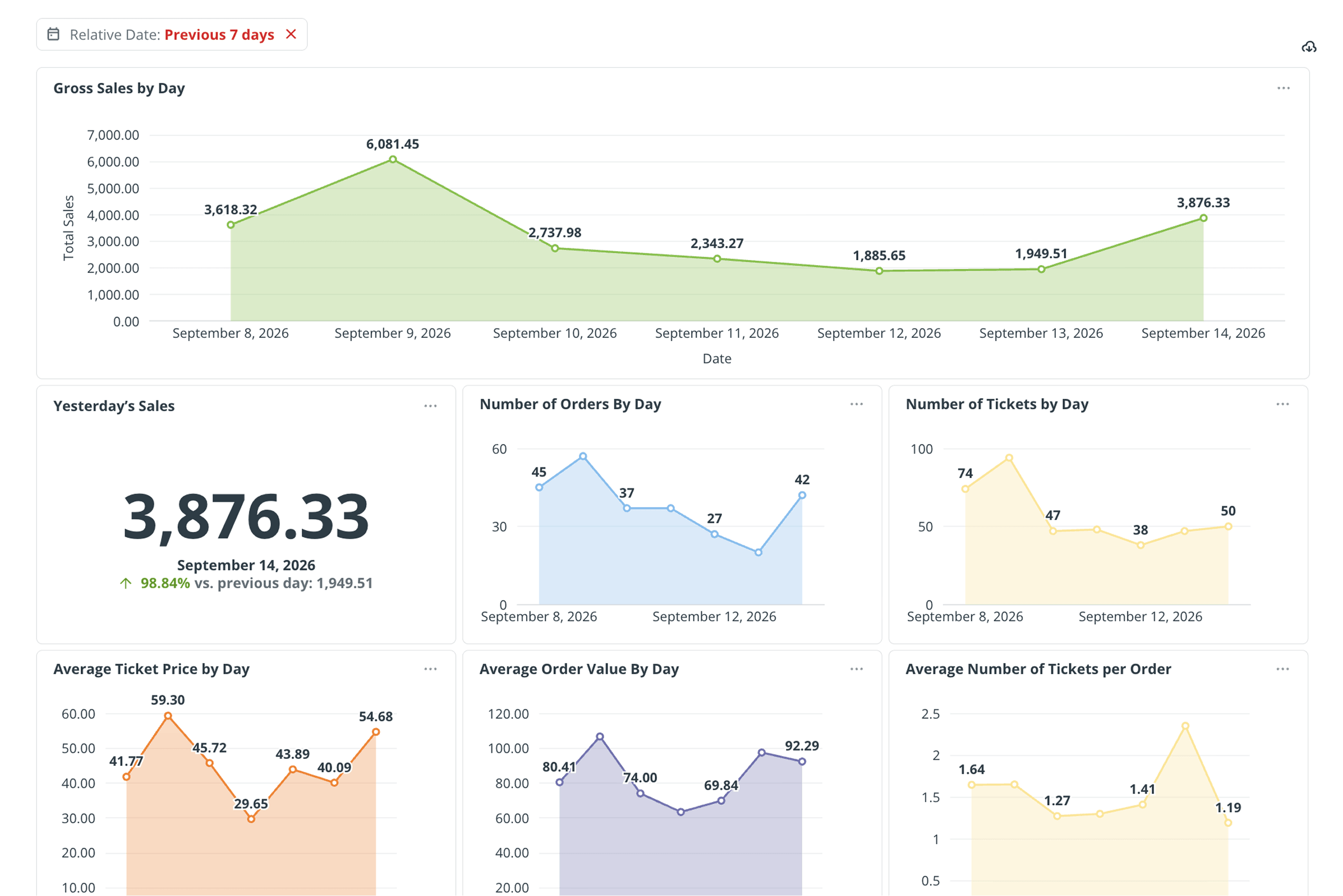
Native data visualizations make it easy to get a birds-eye view of the insights that matter most.
Measure Top-line Performance
View key insights such as gross sales by day, yesterday's sales, average ticket prices at a glance.
Optimize Marketing
Know on average how far in advance your audience usually buys, to know exactly when to start pushing your next event.
Assess Results
See the impact your latest marketing push or sales promotion had on things like average order values and gross ticket sales in days, not after the event is over.
Dig Deeper
Download the complete view of the metrics that matter to gain the insights you need to run your organization.
REPORT LIBRARY
Insights that Guide Decision-Making
Dozens of built-in reports provide instant access to the insights your team needs to do their jobs effectively.
SALES REPORTS
Improve Your Sales Strategy
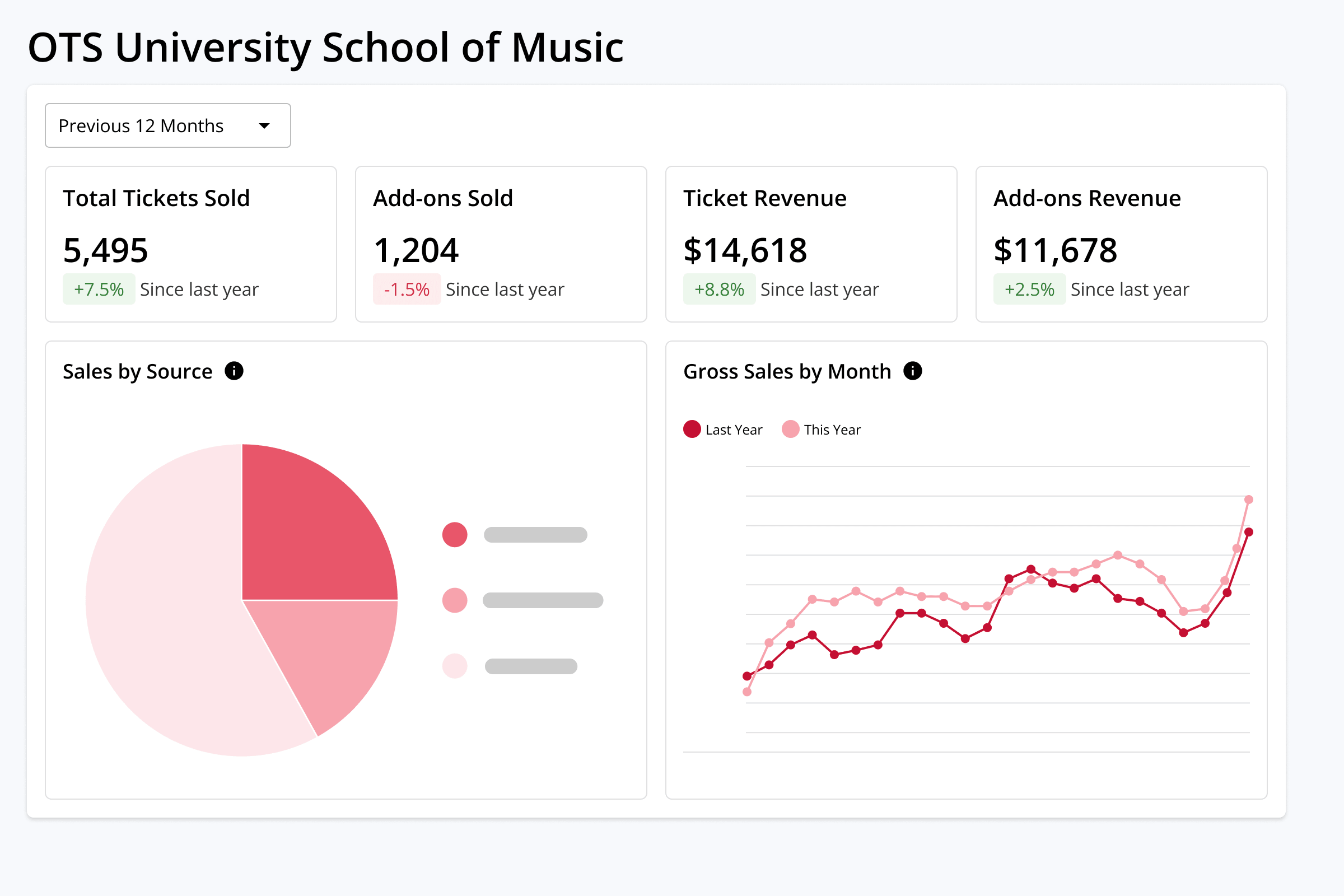
Make informed decisions about when and how to adjust your sales strategy. Sales activity tell you where you are, sales movement tells you how fast you got there, and line-item details allow you to dive deep into exactly who is buying what, and when.
PATRONS & ORDER REPORTS
Support Your Audience
Understand who your audience is and where they come from with a set of reports that map insights to zip codes, households, donation histories, audience lists, and more.
PROGRAM REPORTS
Understand Your Programs
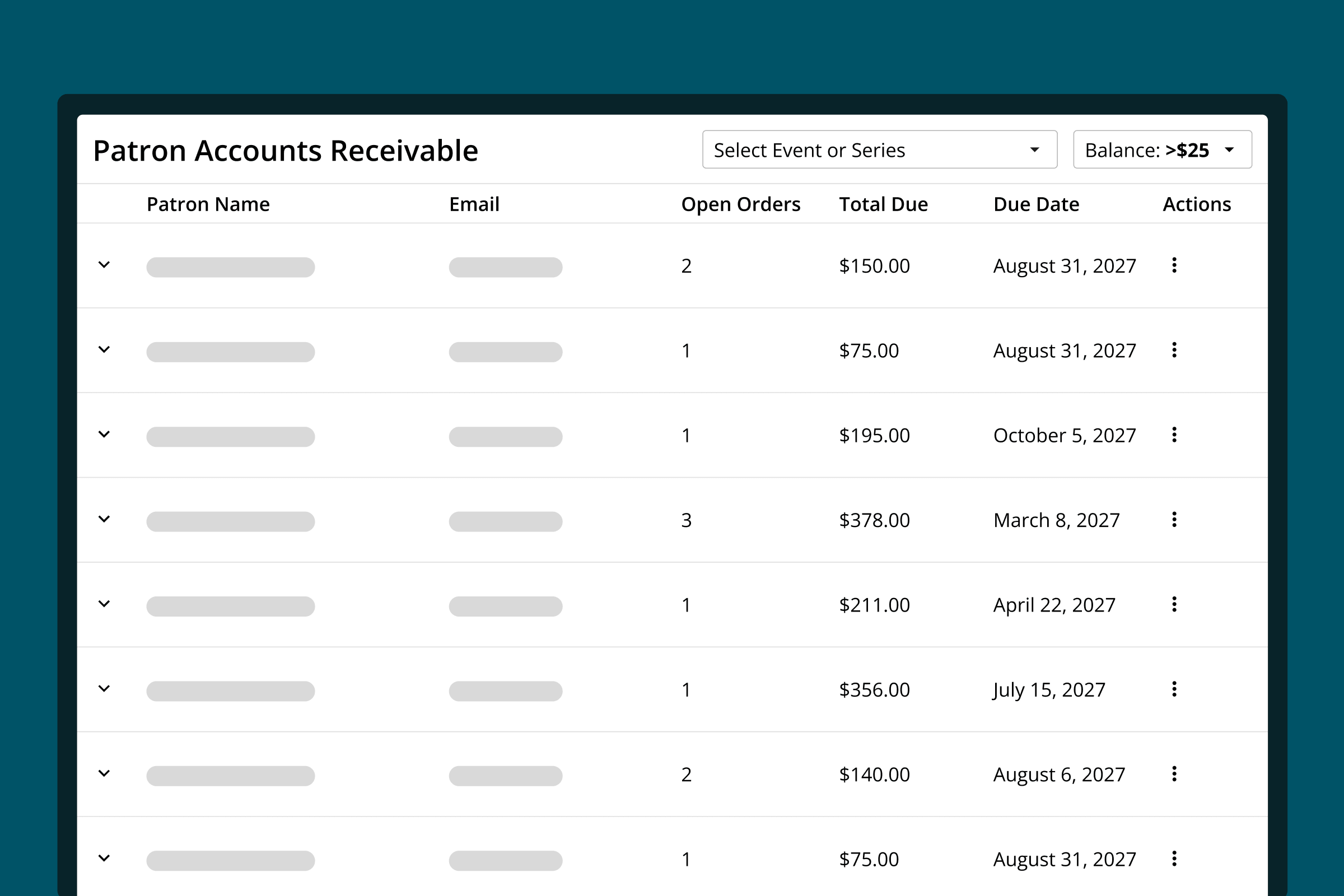
Improve patron retention by understanding which events, giving campaigns, and subscription and membership programs are working best - and get help re-engaging your audience next time.
OPERATIONS REPORTS
Support Your Team
Give your teams real-time access to the insights they need to effectively manage your box office, support your patrons, and optimize your marketing.
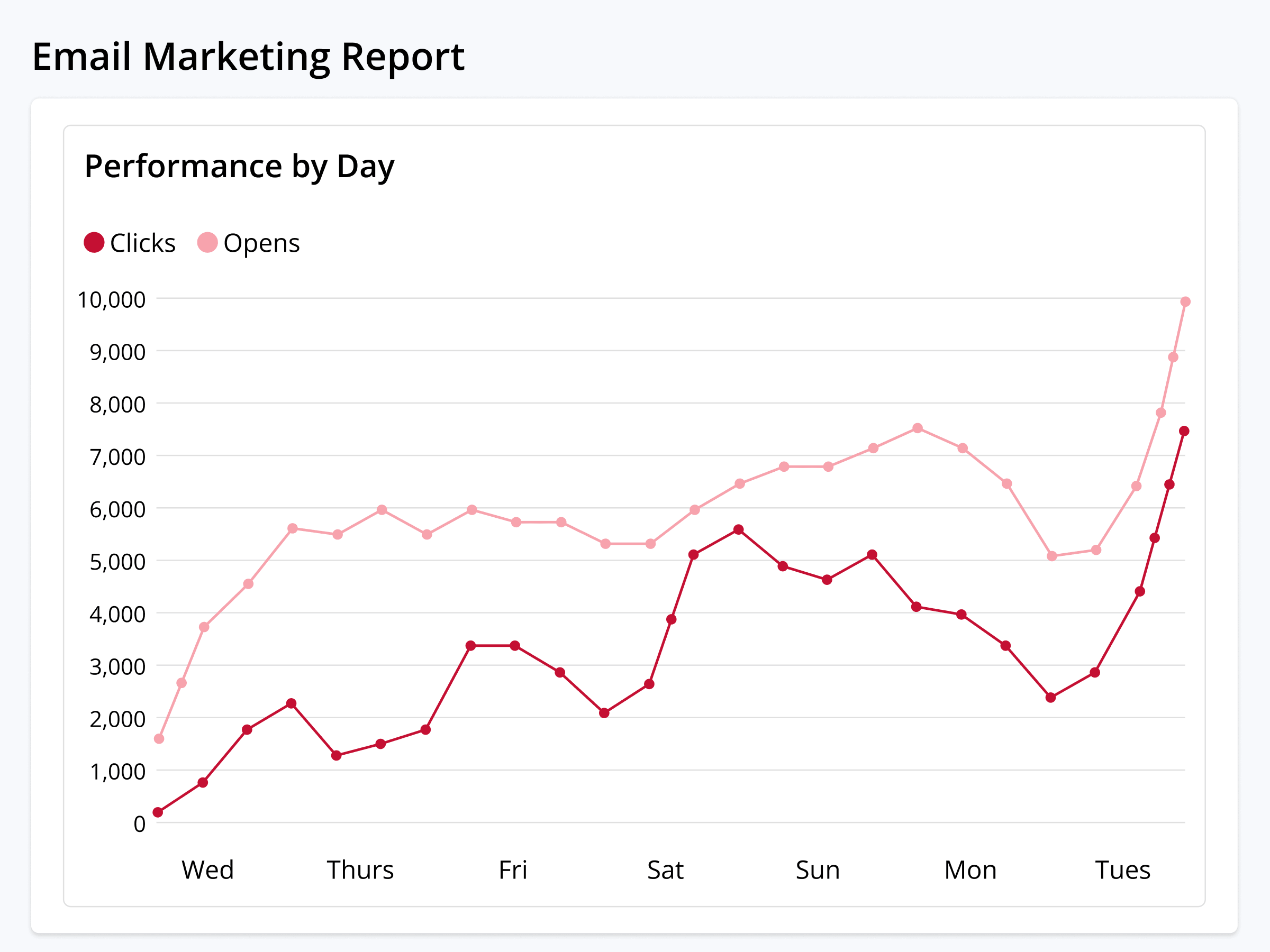
FINANCE REPORTS
Manage Cash Flow
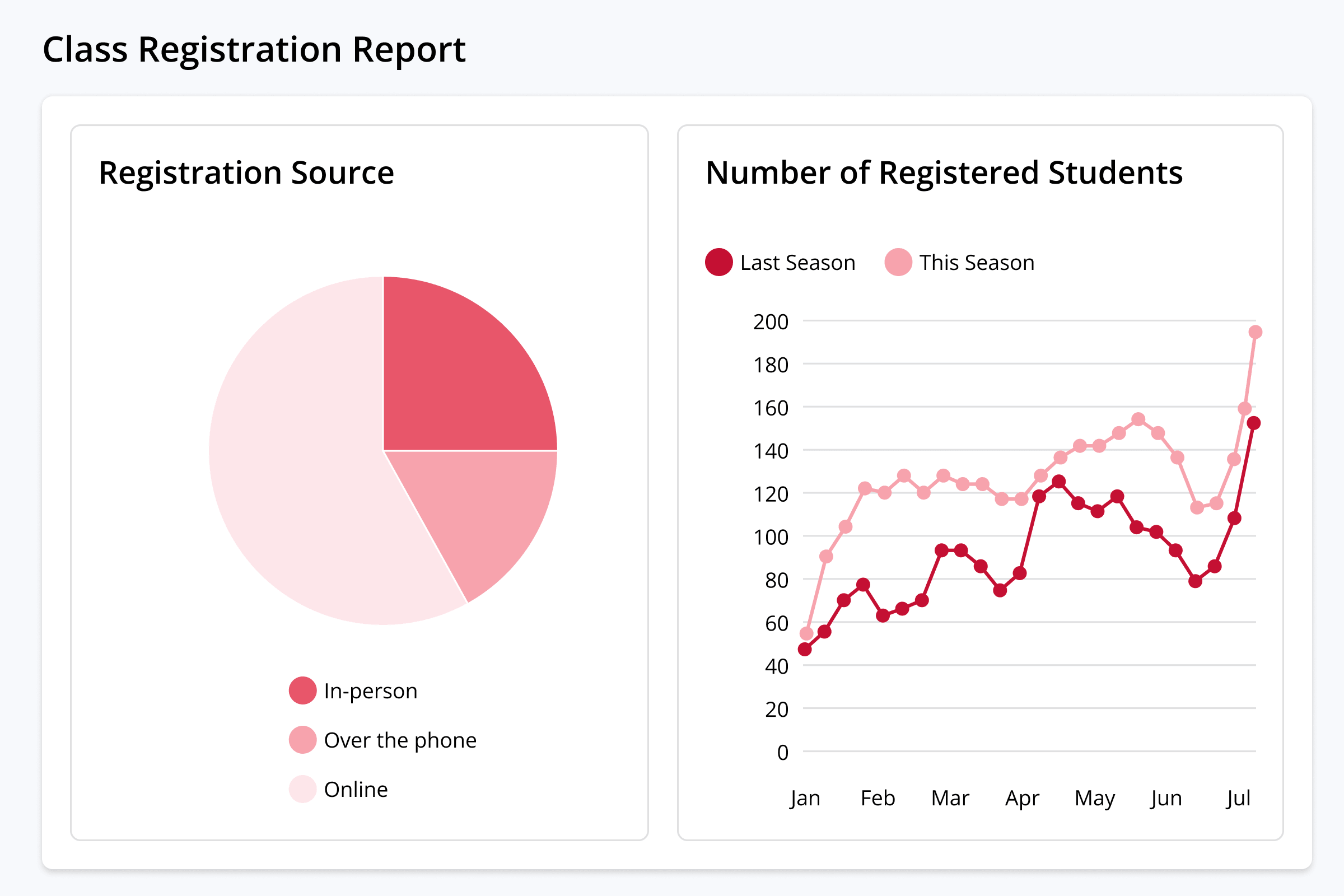
Always know the difference between what you've sold and what you can actually spend via complete view of your earnings, which payments have and haven't cleared, how much you owe, who still owes you, and when you're getting paid.
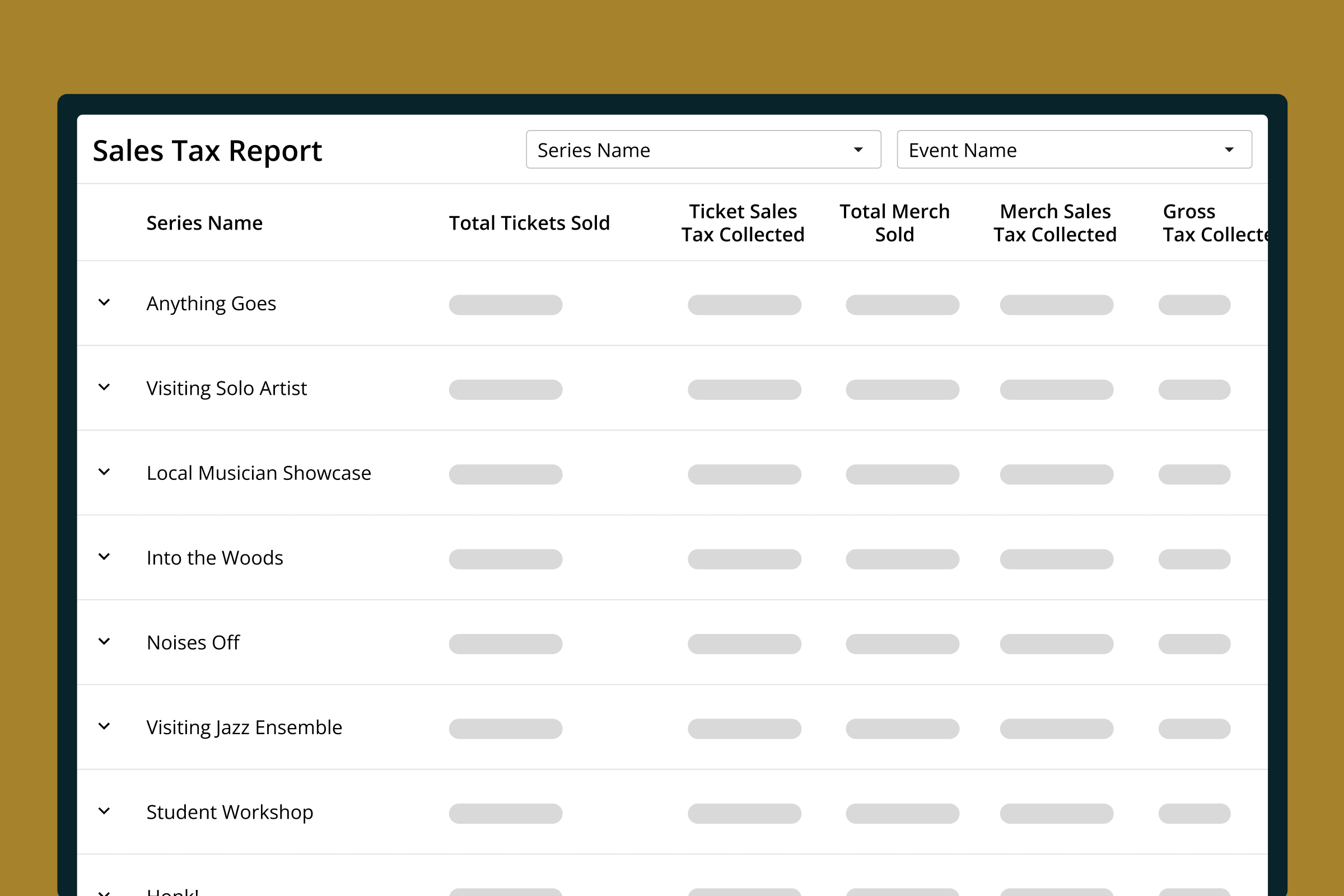
DATA YOUR WAY
Your Data, However You Need It
Access the insights you need, whenever and however you need them.
-
•
Reporting Dashboard
Access dozens of core reports and data visualizations via a centralized in-platform reporting hub.
-
•
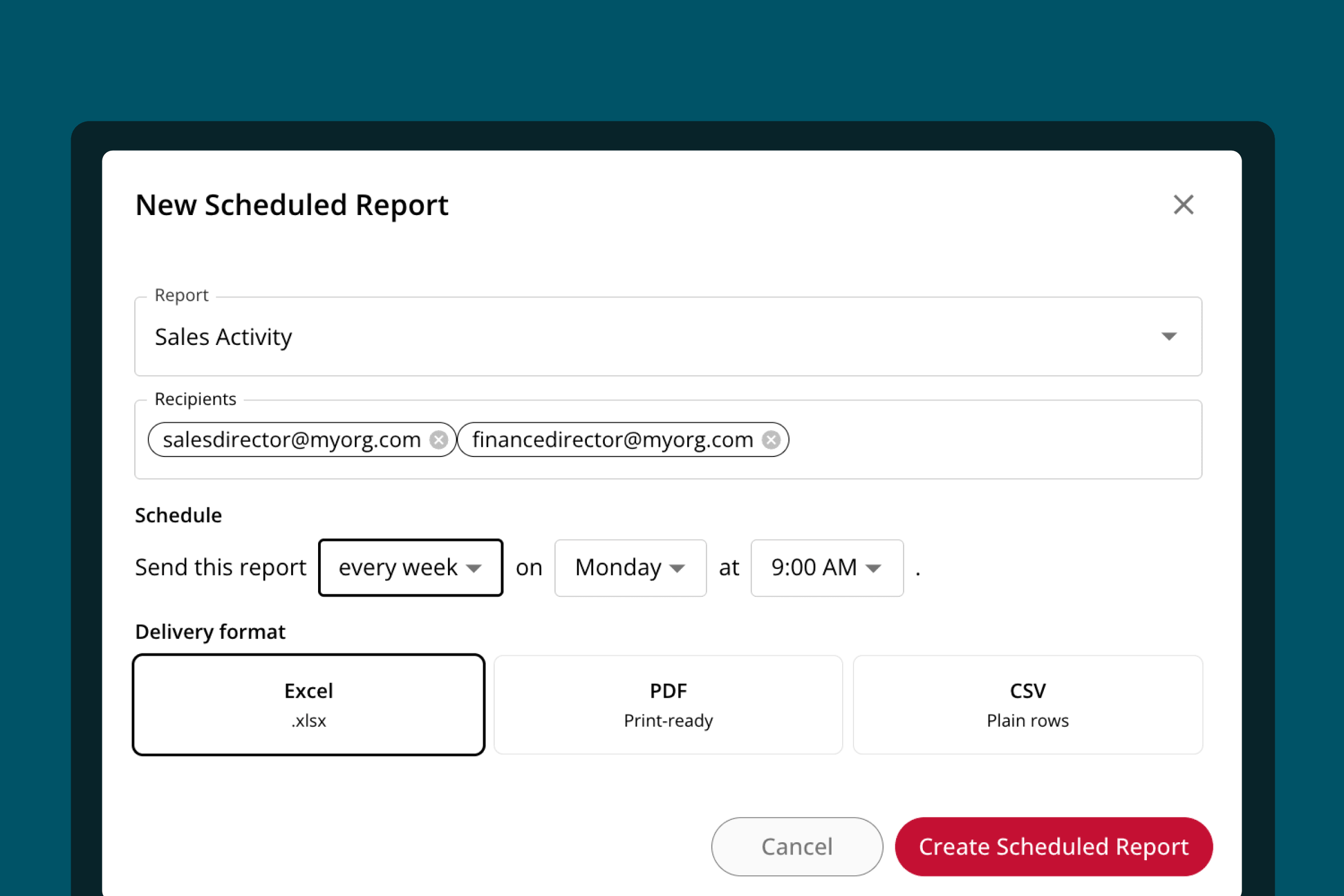
Scheduled Delivery
Schedule reports to be delivered to any list of email addresses in a variety of formats, on a cadence that you set.
-
•
Data Export
Download reports in a variety of formats to use on their own, or with other platforms.
-
•
In the Flow of Work
Get instant access to the insights you need throughout the platform as you're working, not just in the reporting dashboard.
-
•
Other Platforms
Add tracking pixels to OTS to track channel conversions in Google and Meta, and combine OTS financial data with core finances to track overall financial health.
FAQ
Common questions about reporting and insights.
What reports does On The Stage include?
Two dozen ready-to-run reports across five categories — sales, patrons and orders, programs, operations, and finance and reconciliation — covering everything from daily sales activity and add-on performance to household lifetime value, occupancy, membership status, and payout-level journal entries.
Can I schedule a report to send automatically?
Yes. A report can go out daily, weekly, or monthly to a list of email addresses you choose, filtered to a specific production or event where the report supports it.
Can people without an On The Stage login receive reports?
Yes — and that's the point of scheduled delivery. Board members, treasurers, district administrators, and venue partners can receive reports in their inbox without ever having an account.
Can I export my data to use in another tool?
Yes. Reports download for use outside the platform, including CSV for combining OTS data with other systems your organization runs on.
Can I see where my ticket buyers are coming from?
Yes. Geography reporting maps sales by zip code and includes a visual heatmap view, so you can see which areas your audience actually comes from — and which nearby areas you aren't reaching.
How do I find out which patrons let their membership lapse?
Membership reporting breaks your roster into current members, upcoming renewals, and lapsed members, so the win-back list and the renewal-outreach list are already built.
Can my reports match my accounting system's chart of accounts?
Yes. Sales categories map to your own account codes — including down to a specific production or fundraising campaign — and journal entry reports carry those codes, so the export arrives ready to bring into your accounting software rather than needing to be recoded by hand.
Why doesn't my bank deposit match a single day of sales?
Because a deposit contains funds as they become available, not everything sold on one calendar date — so one day's sales can land across more than one deposit. Payout reporting opens any deposit into the transactions inside it, which is why reconciling by payout ties out when reconciling by sales date doesn't.
Ready to see what your data has been trying to tell you?
See how OTS turns ticketing, patron, program, and financial data into reports your team — and your board — can actually use.
Request Demo