
Manage Box Office
A complete solution for your entire box office.
Manage orders and events, support patrons, and run day-of operations all in one platform - without stitching together spreadsheets, paper lists, and other tools.
WHAT SUCCESS LOOKS LIKE
Flexible tools that make life easier.
OTS puts control over every ticket, seat, and performance in one place, and centralizes all the information your team needs to effectively run your box office at every stage. Communications with patrons happen automatically, day-of operations move quickly, and self-serve tools mean fewer 1:1 patron support requests ever reach your box office team.
-
A Single Solution
Manage every aspect of your box office in one place, from before you go on sale until after the event is over.
-
Automated Workflows
Replace time-consuming manual workflows with easy automations that save time and simplify how you manage your box office.
-
Data-driven Decisions
Unified insights that are easy to access empower box office teams to make real-time decisions based on actual data, not guesswork.
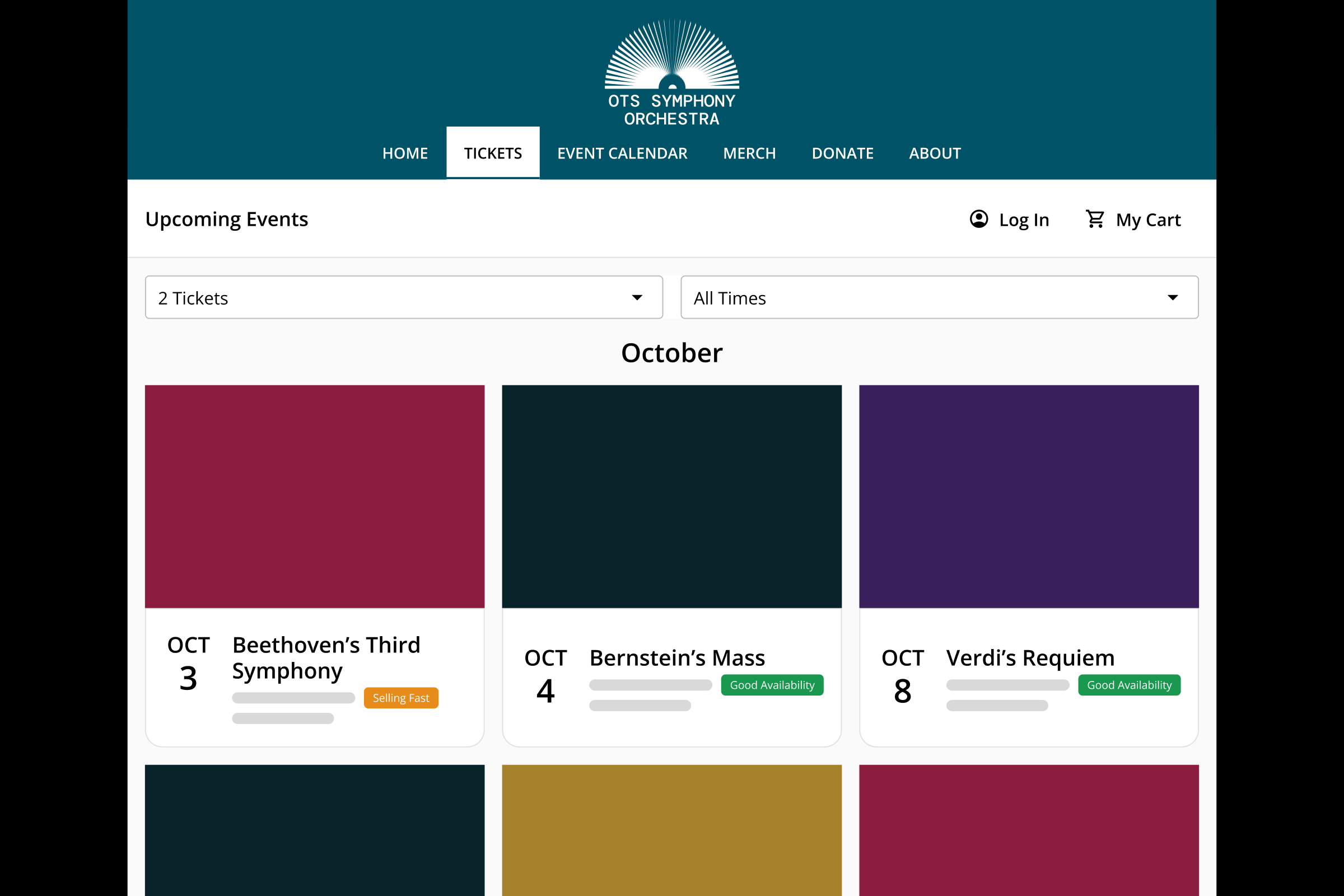
Per-seat Controls
OTS gives you total control over every seat, even if they're part of a larger seating section, row, booth, table, or other setup. Apply custom holds, blocks, and members-only access to any mix of seats - for every event in your series, or only certain events.
-
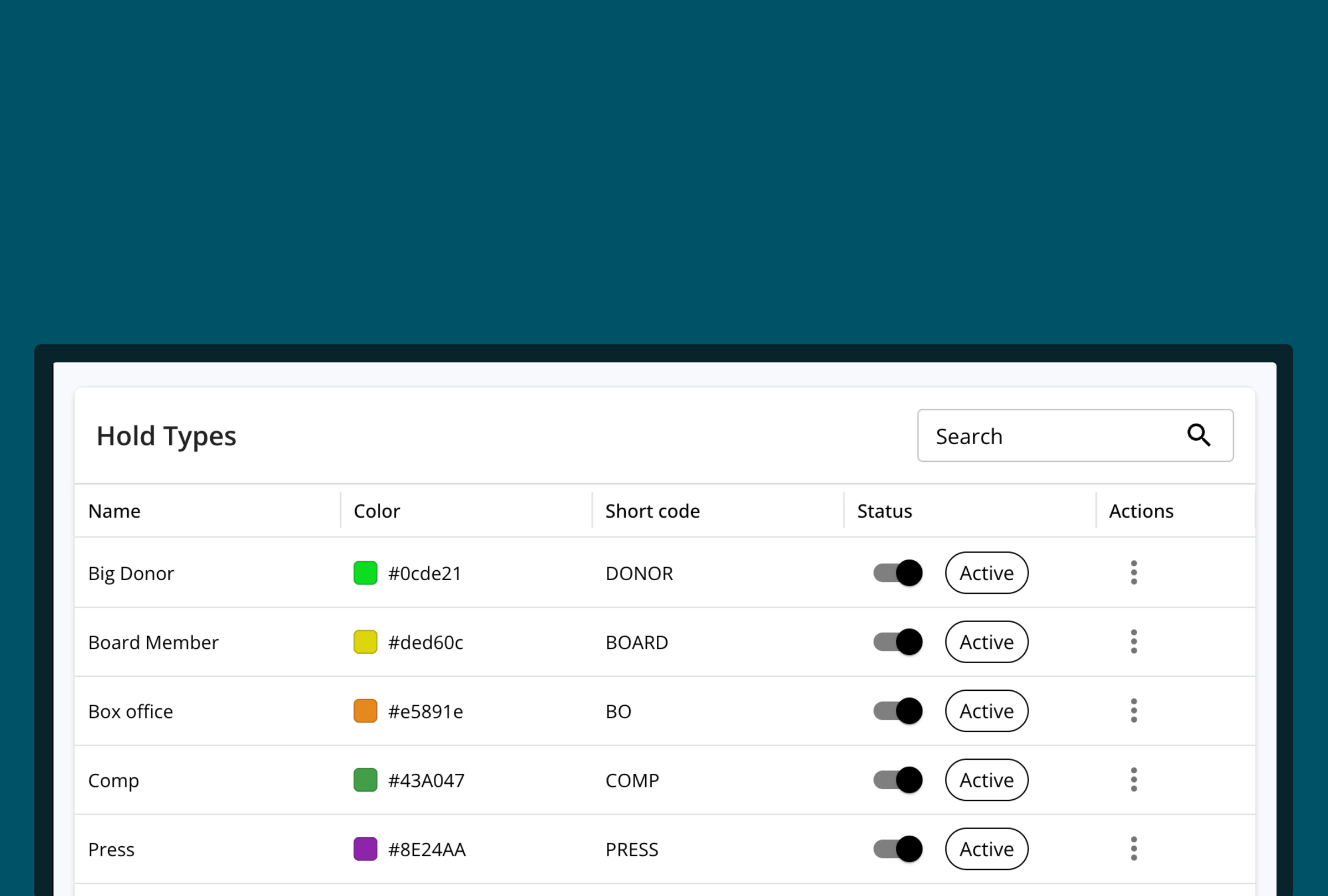
Holds
Mark seats as on hold using custom hold types that you define.
-
Seat Blocks
Is your light board covering row F? Easily block those seats from being sold.
-
Members-only seats
Earmark seats that are only available to your members.
-
Custom Fees
Add your own fees at the ticket or order level, and decide whether patrons see them broken out or built into the price they pay.
-
Patron notes
Add notes that are visible to the patron during seat selection to communicate important information, such as obstructed views.
-
Box office notes
Add internal notes to assist your team.
Box Office-only Offerings
Make certain seats, prices, and services only available via your box office.
-
Exclusive Seats
Specify certain seats that can only be sold directly via your box office.
-
Unique Pricing
Set different prices for tickets purchased via the box office and online.
-
Reservations
Hold tickets under a patron's name, and send them a payment link to complete the purchase.
-
Subscriptions & Memberships
Sell subscriptions, memberships, and add-ons directly via the box office.
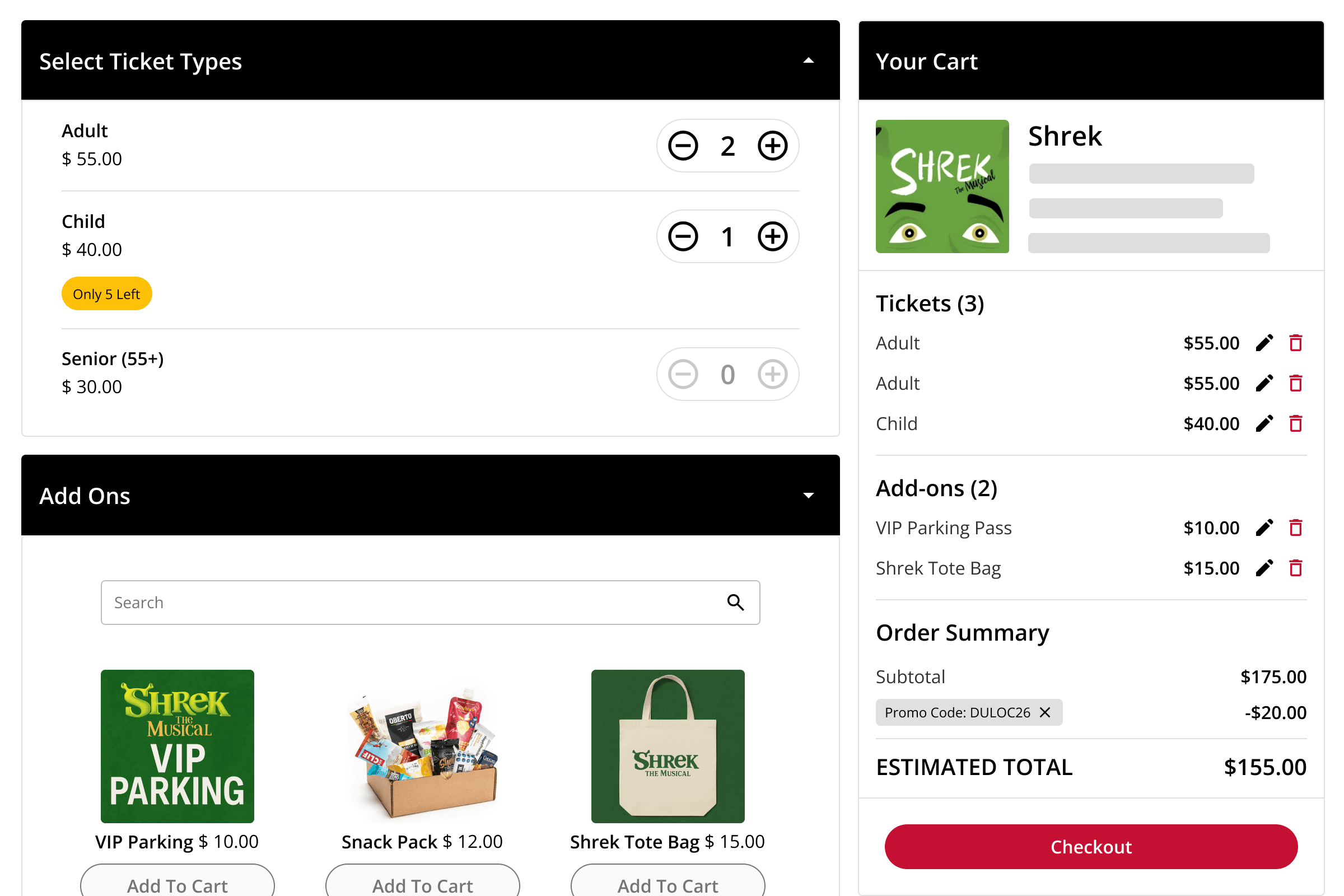
Order Management
-
Order Additions
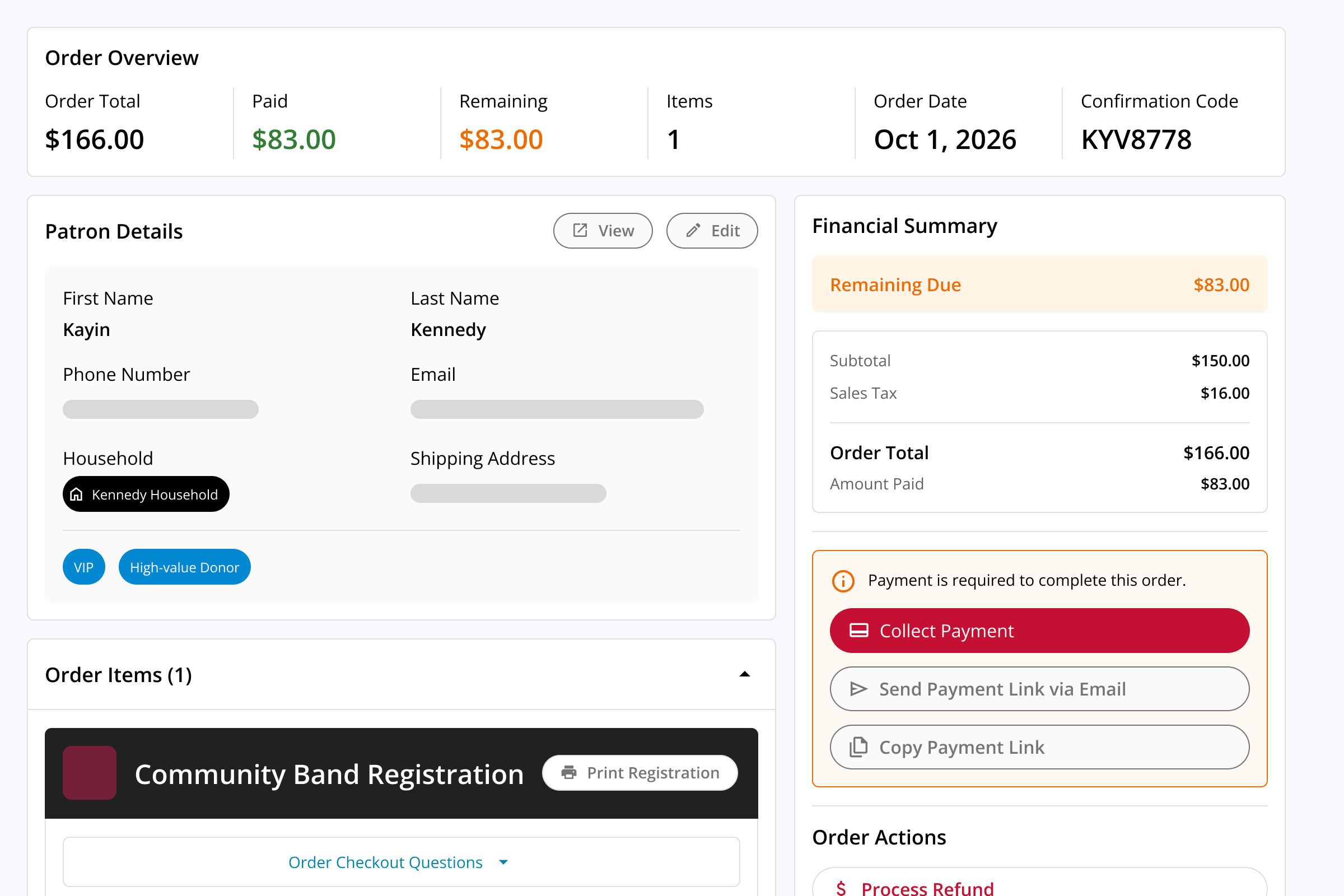
Add additional tickets or add-ons to an existing order - no rebooking or duplicate orders required.
-
Post-sale Upgrades
Offer promotions and offers, such as seat upgrades or add-ons, to patrons who have already placed an order.
-
Releases
Optionally convert a ticket release into a donation rather than a refund.
-
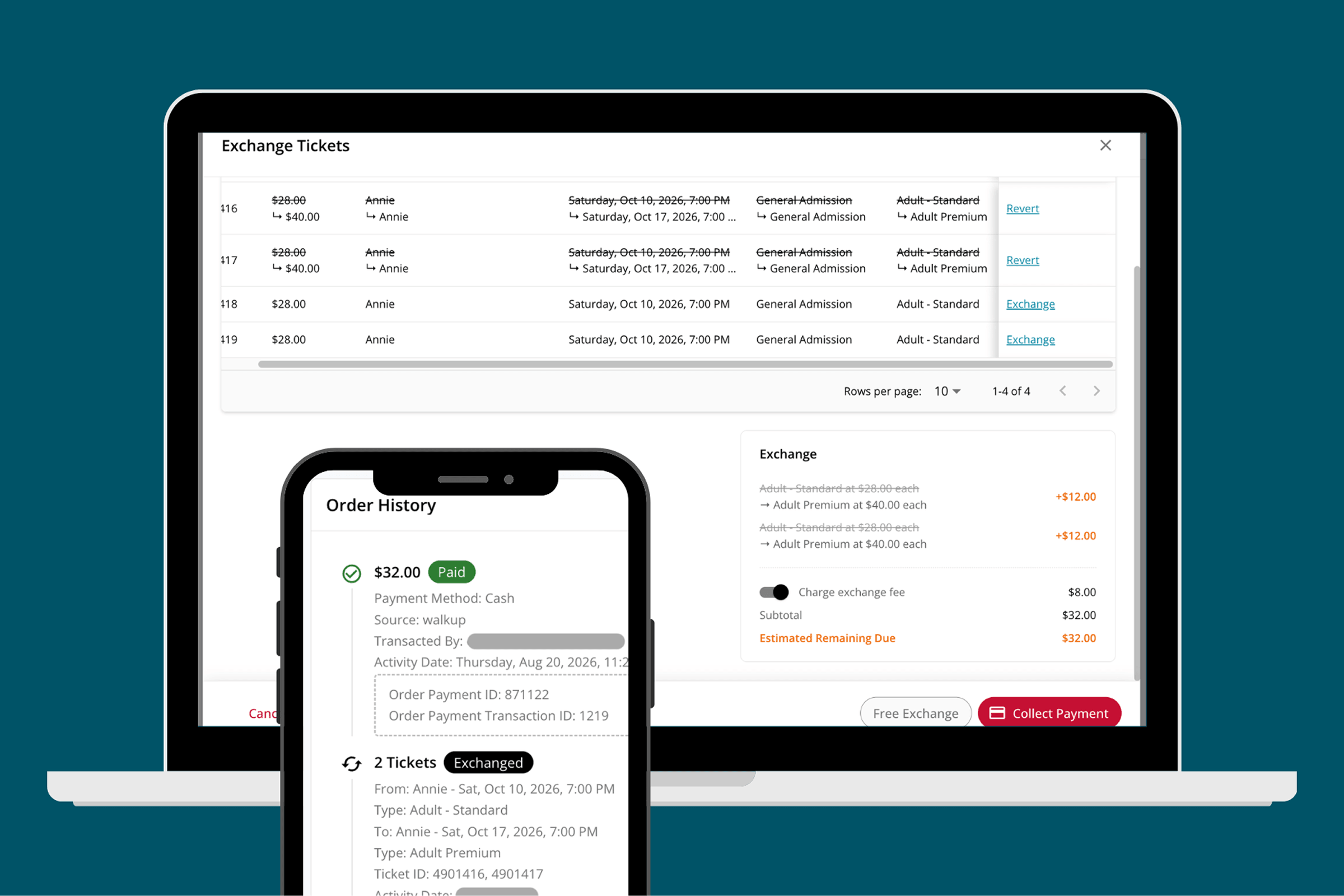
Refunds & Exchanges
Process the change on the existing order, and automatically collect or refund the difference.
-
Automated Communications
Order confirmations, upcoming-event reminders, and updated confirmations when something changes all go out on their own, so your team isn't manually re-sending tickets.
-
Order History Log
See a unified timeline of all change and payment activity for an order.
Payment & Pricing Controls
Split Payments
Split large orders into multiple payments, or accept multiple payment methods for a single transaction.
Group Sales
Sell and manage group orders with ease.
Fee & Price Overrides
Allow your box office to waive fees and make pricing exceptions.
Comp Tickets
Offer any ticket free of charge via the box office.
MANAGE EVENTS
Managing Live Events
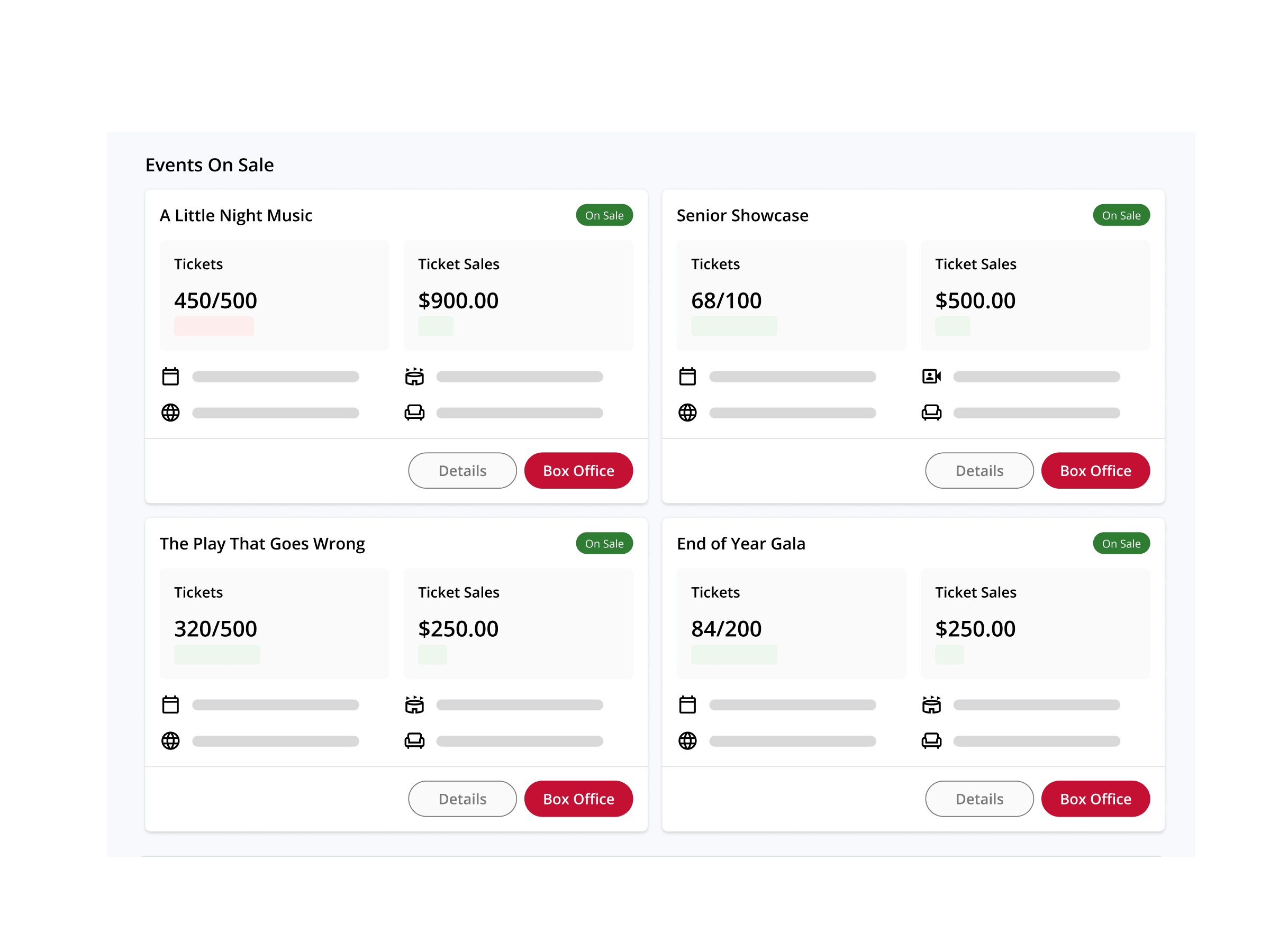
Make changes to your events after they go on sale, and keep ticket buyers informed when things change.
Performance Lists
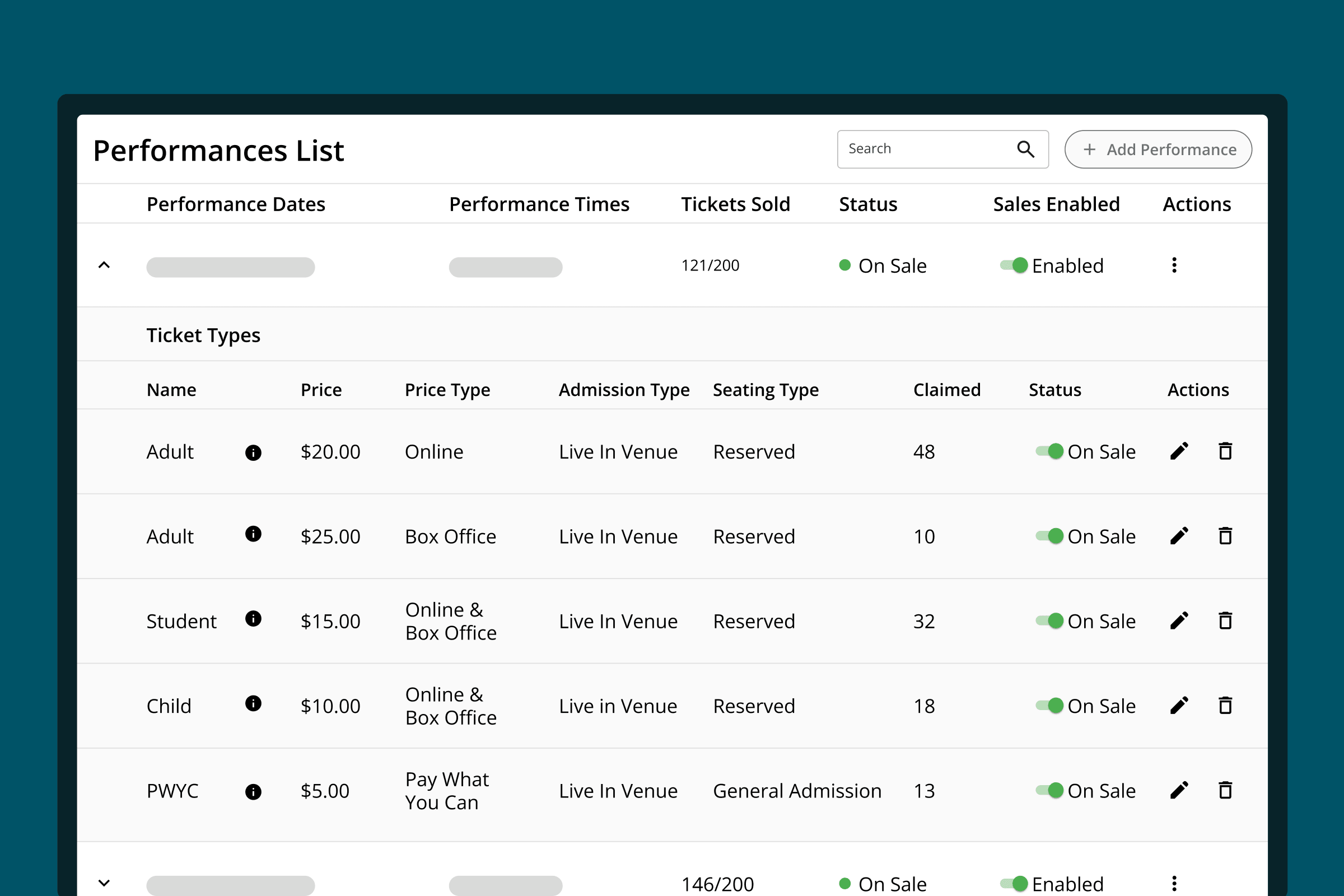
See and manage everything that varies by date — capacity, sales status, seating, and check-in — from one place, without treating a multi-date run as a set of separate events.
Seating Charts
Make changes to a seating chart after tickets are already sold, with sold seats protected from being accidentally reassigned.
Ticket Buyer Outreach
Send updates to ticket buyers to communicate changes or share important information, like last minute street closures or cast changes.
Event Management
Put an event on hold, reschedule it, or cancel it, and OTS automatically handles downstream ticket changes.

CUSTOMER PROOF
On The Stage has made it easy to allow my students to set up our online Box Office and Ticket Sales for shows, while letting me keep control over the difficult and sensitive things like refunds. As a one person program this has allowed me to present a more professional program to the audience while freeing me up to see to all the other details of a production.
— Tara Hedberg, Musical Theater, Colorado Early Colleges Douglas County

OTS is easy to use! It has saved me so much time, and I love that I don't have to print paper tickets anymore... it saves the seating charts for each venue that we use.
— Jennifer Ammerman, Drama Teacher/Choir Director, Bridgman Public Schools

OTS has been with us for more than 10 years... great platform and reporting to help track the daily activity of our organization.
— Clark Stewart, Head of Operations, KIDWORKS


Ready to give your box office one system to run on?
See how OTS brings ticket sales, patron support, and day-of operations together — built around the job your team actually does.
Request Demo